State
No-code/low-code
Learn what a state is in no-code platforms, how it works, and why it matters. Discover examples, benefits, and tips for using states to build interactive and dynamic apps.
A State in Bubble is a temporary variable that holds a value on a page or element during a user's session. It is not saved to the database and resets when the page reloads.
States are how Bubble manages dynamic, in-memory data that drives UI interactions without writing anything to the database. They are one of the most versatile tools in the Bubble toolkit.
Key Takeaways
- Temporary storage: States hold values in memory during the user's session and are lost when the page is refreshed.
- No database writes: States do not touch your database, making them fast and appropriate for UI-only data.
- Any data type: A state can hold text, numbers, dates, yes/no values, or even a database record or list.
- Triggerable by workflows: Workflow actions can set, reset, or toggle state values to drive UI changes dynamically.
What is a State in Bubble?
A State in Bubble is a named variable attached to a page or element that stores a value temporarily in the user's browser session. You can read the state in conditions and expressions, and change it using workflow actions.
States are created in the element property panel. You define the state's name, data type, and optional default value. From there, any workflow can set it and any expression can read it.
- Page-level states: Created on the page itself, accessible to all elements and workflows on that page.
- Element-level states: Created on a specific element, accessible within that element's scope and from the parent page.
- Default value: You can set an initial value so the state is not empty when the page first loads.
Custom states are distinct from the built-in states that some Bubble elements have, like a Repeating Group's current cell index. Both work the same way but custom states are ones you define yourself.
How States Work in Bubble
You set a state's value using the "Set state" workflow action. You read it by referencing the element or page the state belongs to and selecting its name in an expression field.
Think of a state as a sticky note on an element. The workflow writes on it and the UI reads it whenever it needs to know the current value.
- Set state action: In any workflow, add a "Set state" action, point it at the correct element, choose the state name, and define the new value.
- Read in expressions: In any dynamic field or condition, type the element's name and select the state from the available properties.
- Reset state: You can clear a state back to its default value using the same action with a blank or default value.
States update instantly, which means any element reading the state refreshes its display immediately when the state changes.
Why States Matter for No-Code Apps
States enable interactive UI behavior without database writes. Tabs, filters, modals, toggles, selected items, multi-step forms, and almost any dynamic interaction in Bubble is powered by custom states.
Without states, you would need to write every piece of temporary information to the database just to read it back moments later. States make that unnecessary.
- Tab navigation: Store the active tab name in a state and show or hide content panels based on which tab is selected.
- Selected record tracking: Store the currently selected item from a Repeating Group in a state to power a detail view alongside the list.
- Multi-step forms: Track which step the user is on using a number state and show the corresponding form section based on its value.
State management in UI design is a concept shared across all software development. Bubble's custom states are its implementation of this universal pattern.
Common State Mistakes in Bubble
The most common state mistakes are using states where a database field is actually needed, forgetting that states reset on page reload, and creating too many states on a single element, which makes the app harder to debug.
States are powerful but have limits. Knowing when not to use them is as important as knowing when to use them.
- Confusing states with data: If the value needs to persist across sessions or for other users, it belongs in the database, not a state.
- Page reload clears states: A state set by a workflow is gone when the user navigates away and returns. Plan your UX around this.
- Too many states in one place: Accumulating many states on a single element makes it hard to track what is controlling what in your app.
Keeping states focused on temporary UI needs and using the database for anything that needs to persist is the clearest mental model for deciding when to use each.
Conclusion
States in Bubble are the foundation of interactive, dynamic user interfaces. They let you build tabs, filters, selections, toggles, and multi-step flows without touching your database. Understanding when to use states versus when to write to the database is one of the clearest signs of a builder who knows Bubble well.
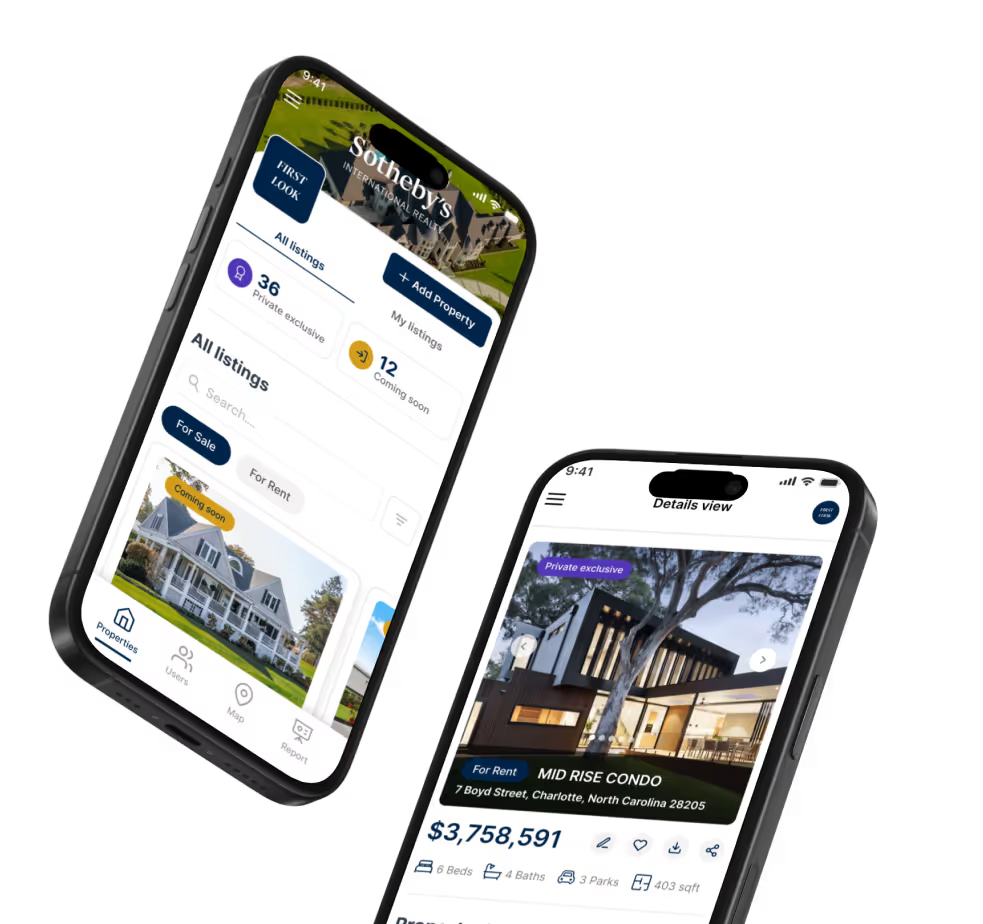
At LOW/CODE Agency, we've helped 450+ clients build and scale apps on Bubble and other no-code platforms. Our clients include global brands like Medtronic, American Express, Coca-Cola, Zapier, and Sotheby's.
Frequently Asked Questions
What is the difference between a state and a database field in Bubble?
A state is temporary and session-specific. A database field is persistent and shared across all users and sessions.
Do Bubble states reset when the page reloads?
Yes. States are stored in the browser session and reset to their default values when the page is refreshed or navigated away from.
Can a state hold a database record in Bubble?
Yes. You can set a state's data type to any data type in your database and store an entire record as its value.
How do I create a custom state in Bubble?
Click on an element or the page, go to the property panel, and find the "Add a new custom state" option to define its name and type.
Can multiple elements read the same state in Bubble?
Yes. Any element on the same page can read a page-level state in its conditions or dynamic content expressions.
Are states available in backend workflows in Bubble?
No. States exist only in the browser session. Backend workflows run on the server and do not have access to page or element states.


%20(Custom).avif)
FAQs
What is a state in no-code?
How do states work in no-code platforms?
What are examples of states in apps?
How are states different from databases?
Which no-code tools support states?
How can I use states effectively?
Related Terms
See our numbers
315+
entrepreneurs and businesses trust LowCode Agency
Investing in custom business software pays off
Our project manager has been fantastic, driving our project forward at a good pace and with a deep understanding of our business needs.
30%
month-over-month increase in active users
500
active agents
,
TTR Sotheby's International Realty