

What Is Glide? No-code App Builder Review
14 min
read
What is Glide? Learn how Glide works, its features, pricing, limits, and how to build powerful no-code apps from beginner to pro level.


If you have heard of Glide but are not sure exactly what it does or whether it fits your project, this guide gives you a complete picture. From what Glide is at its core, through what you can build with it, to where it falls short and when something else makes more sense.
What Is Glide in Simple Terms?
Glide is a no-code app builder that turns spreadsheets and databases into fully functional web apps. You build using a visual drag-and-drop interface, and your app publishes instantly as a Progressive Web App that works on mobile, tablet, and desktop without writing any code.
- Glide is a no-code app builder designed for business and operations teams who need working software without engineering resources
- It turns spreadsheets and databases into apps by connecting to Google Sheets, Airtable, Excel, SQL databases, or Glide's own native tables and automatically structuring that data into an app interface
- Apps run as Progressive Web Apps (PWAs) meaning they are accessible via a web link, work on any device, and can be installed to the home screen without going through an app store
- Built using a visual drag-and-drop interface where you select components, connect them to data columns, configure workflows, and publish without touching code
- Designed for business and operations teams rather than consumer app development, which shapes everything from its component library to its pricing model
For a structured breakdown of its strengths and tradeoffs, see our full analysis of Glide advantages and disadvantages.
What Can You Actually Build With Glide?
Glide is best suited for internal business tools, CRMs, client portals, inventory systems, dashboards, and MVPs. It is a practical platform for any data-driven business app where the primary users are your team or a controlled external audience.
- Internal business tools: admin panels, operations dashboards, task managers, and approval workflows for teams managing business processes
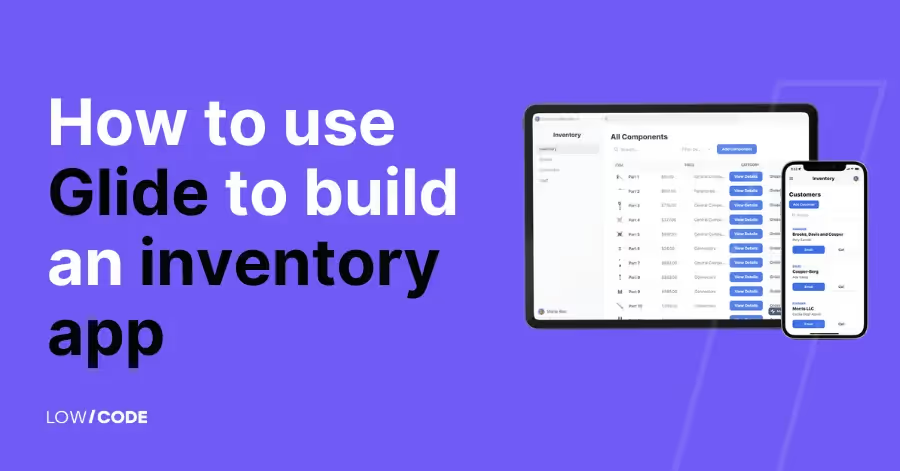
- Inventory management apps: product tracking, stock level monitoring, location-based inventory, and transaction logging for warehouses and retail operations. For a real implementation walkthrough, see how to build a Glide inventory app.
- CRMs and lead trackers: sales pipelines, contact management, deal tracking, and activity logging built on top of structured data
- Customer portals: client-facing apps where users log in to view their own data, project status, invoices, or reports with role-based visibility
- Dashboards and reporting tools: visual summaries of business data with charts, KPI cards, and filtered views for management and operations teams
- Booking and event management apps: scheduling tools, registration systems, and event coordination apps with form-based workflows
- MVPs for startups: fast-to-launch product prototypes that validate whether an idea works before investing in custom development
- AI-powered workflow apps: apps using Glide's native AI features and advanced Glide OpenAI integration for data categorization, summarization, and intelligent automation
How Does Glide Work? (High-Level Overview)
Glide uses a data-first architecture. You connect a data source, create relationships between tables, use visual components to display and interact with that data, add workflow logic, and publish instantly. No backend configuration, server management, or deployment pipeline required.
- Data-first architecture: every screen, list, form, and action in Glide is connected to a data source. The data structure you build determines what your app can do
- Connect your data source: Glide supports Google Sheets, Microsoft Excel, Airtable, SQL databases (PostgreSQL, MySQL), and Glide Tables (its native, highest-performance option). For example, connecting Glide with external CRMs like in this guide on how to connect your Salesforce database to Glide requires deliberate architecture.
- Create relations between tables: link tables together to model real-world relationships (a Product belongs to a Category, a Transaction links to a Product and a User) using Glide's relation and lookup columns
- Use components to display data: drag list components, detail screens, charts, forms, buttons, cards, and maps onto your screens and connect each one to the relevant data column
- Add workflows and automation: configure actions that fire on button taps, form submissions, or data changes. Chain multiple steps including creating records, sending emails, calling APIs, and triggering external automations
- Publish instantly as a web app: when you are ready, share a link or configure a custom domain. No deployment process, no app store submission, no server management
What Are the Key Features That Make Glide Popular?
Glide's popularity comes from the combination of its visual builder speed, prebuilt component library, role-based access control, native automation, broad integration support, and increasingly capable AI features. It covers most business app requirements without requiring a developer.
- Visual builder: a drag-and-drop editor with real-time mobile preview that lets non-technical builders create professional interfaces quickly
- Prebuilt components: lists, cards, charts, forms, buttons, maps, calendars, image pickers, barcode scanners, and more are available out of the box and configurable without code
- Role-based access control: show different screens, data, and actions to different users based on their role, without building a custom permission system from scratch
- Automation workflows: native action chains triggered by user interactions or data changes, with support for conditional logic, multi-step sequences, and external API calls
- Integrations: native connections to Salesforce (Enterprise), OpenAI, Stripe, and others, plus broad support for Make, Zapier, and direct API calls for everything else
- AI-powered features: built-in AI columns for text summarization, categorization, sentiment detection, and the Glide AI app generator for faster prototyping
- Templates: a library of prebuilt app templates for common use cases that provide a starting structure you can customize rather than building from a blank canvas
You can see these capabilities applied in real projects inside Glide AI features in action.
Who Should Use Glide?
Glide is designed for non-technical founders, operations managers, and business teams who need to build or replace internal tools quickly, without hiring developers or waiting months for custom software.
- Non-technical founders validating a product idea or building an internal operations tool without an engineering team
- Operations managers replacing manual spreadsheet workflows with a structured app that enforces process and gives visibility across teams
- Small and mid-size businesses that need professional software but cannot justify the cost or timeline of custom development for every internal tool
- Teams replacing spreadsheet chaos where data is scattered across multiple sheets, manually updated, and increasingly fragile as the business grows
- Companies building internal tools fast where speed of deployment and ease of maintenance matter more than pixel-perfect design or maximum feature depth
- Teams testing MVP ideas who want to ship something real to early users quickly and learn before committing to a larger technical investment
Explore these Glide use cases to understand what can be built with Glide.
Who Is Glide Not Ideal For?
Glide is not suitable for complex enterprise ERP systems, real-time high-performance applications, apps requiring deep native mobile hardware access, projects needing full custom code flexibility, or very large data-intensive systems without careful optimization.
- Highly complex enterprise ERP systems with multi-department workflows, deep accounting integration, compliance reporting, and thousands of daily users across multiple business units
- Heavy real-time applications such as collaborative tools requiring sub-second sync, gaming, live communication platforms, or financial trading interfaces
- Deep native mobile hardware integrations requiring Bluetooth, NFC, background GPS tracking, or advanced sensor access that a browser-based PWA cannot provide
- Apps requiring full custom code flexibility where the product vision includes unique interactions, custom algorithms, or architecture decisions that no-code platforms cannot accommodate
- Very large data-intensive systems managing hundreds of thousands of records across many complex relations without a deliberate optimization strategy for row limits, computed columns, and data source performance
How Does Glide Compare to Other No-code Tools?
Glide leads on speed of development and data-to-app simplicity for business tools. Bubble leads on logic depth and SaaS capability.
Adalo and FlutterFlow lead on native mobile publishing. Webflow leads on marketing site design. The right choice depends entirely on what you are building.
- Glide vs Bubble: Glide is faster to build with and better suited for internal tools and data-driven apps. Bubble offers deeper logic, relational database architecture, and better scalability for SaaS products and marketplaces. Choose Glide for speed and simplicity, Bubble for complexity and long-term SaaS growth
- Glide vs Adalo: Glide is stronger for business and operations apps. Adalo is aimed at consumer mobile apps with native App Store publishing as a first-class feature. Choose Glide for internal tools and portals, Adalo when your primary requirement is a consumer mobile app on the App Store
- Glide vs Webflow: these tools serve different purposes. Webflow is a website and marketing page builder. Glide is an application builder for data-driven tools. They are not direct competitors, and many teams use both, Webflow for the marketing site and Glide for the internal app
- When to choose Glide over alternatives: choose Glide when your app is data-driven, your users are a controlled team or client base, you need to ship quickly, and your primary requirement is business workflow functionality rather than consumer experience or custom engineering
If Glide does not align with your architecture needs, explore realistic Glide alternatives.
What Does Glide Cost?
Glide offers a free plan for personal projects and testing, paid plans starting around $49/month for small teams, and Enterprise pricing for organizations needing advanced integrations, Big Tables, and SSO. Costs scale based on user count, data volume, and feature requirements.
- Free plan: available for personal projects and prototyping. Includes Glide branding, limited rows, and restricted features. Not suitable for production business apps
- Paid tiers: the Maker plan starts around $49/month and removes branding, adds a custom domain, and supports small team deployments. The Team plan adds more users and data capacity
- Enterprise features: Salesforce integration, Big Tables for large datasets, SSO, advanced security controls, and priority support are available on Enterprise plans with custom pricing
- When you will need to upgrade: move to a paid plan when you need a custom domain, more than a handful of users, or production-ready features. Move to Business or Enterprise when you need Big Tables, advanced integrations, or compliance features
- What affects pricing: the primary cost drivers are the number of users (both editors and end users), monthly data update volume, row counts in your tables, and which integrations and features your plan includes
What Do Real-World Glide Apps Look Like?
Real Glide apps in production include internal operations dashboards, inventory tracking systems, field service apps, event coordination portals, and CRMs built on spreadsheet data. These are not prototypes but working tools used daily by business teams.
- Internal operations dashboards: a logistics company managing daily dispatch, route assignments, and driver check-ins through a Glide app that replaced a combination of spreadsheets and phone calls
- Inventory tracking system: a manufacturer tracking component stock, supplier orders, and warehouse locations across multiple sites with role-based access for warehouse staff and management
- Field service tracking app: a facilities management team using a Glide app for technicians to log job completions, capture photo evidence, and submit inspection forms from mobile devices on-site
- Event coordination portal: an events company managing venue bookings, vendor assignments, staff schedules, and client approvals through a single Glide app shared between internal teams and external clients
- CRM built on spreadsheets: a sales team that started with a Google Sheets CRM and turned it into a proper Glide app with pipeline views, contact detail screens, activity logging, and manager reporting without migrating to Salesforce
Browse production-ready Glide app examples to see how businesses structure their data-driven apps.
What Are the Common Limitations to Know Before You Start?
The most important Glide limitations to understand before building are row limits and performance constraints, restricted custom logic depth, dependence on automation tools for complex integrations, scaling considerations for large apps, and the critical importance of data structure quality.
- Row limits and performance: every Glide plan has row limits, and performance degrades before you hit the hard ceiling if your data structure is not optimized. Large tables with many computed columns load slowly regardless of plan
- Limited custom logic compared to code: Glide's workflow system handles most business logic well, but complex conditional branching, server-side processing, and algorithmic operations require external tools or are simply not possible within the platform
- Advanced integrations may require automation tools: Glide's native integrations cover the most common platforms, but connecting to legacy systems, custom APIs, or tools without native support requires Make, Zapier, or direct API calls
- App scaling considerations: Glide is designed for SMB scale. Consumer apps with thousands of daily active users, high-frequency writes, or enterprise compliance requirements will face architectural constraints that require either optimization or a platform change
- Data structure matters enormously: the quality of your app is almost entirely determined by the quality of your data model. Poorly structured data produces an app that is slow, inaccurate, and difficult to maintain regardless of how well the interface is designed
For a deeper look at growth constraints, review our full guide on Glide scalability.
Is Glide Right for Your Project?
Choose Glide for fast, data-driven business apps where speed of launch and ease of use matter more than maximum technical flexibility. Avoid it for projects requiring heavy custom engineering, consumer-scale traffic, or deep native mobile capabilities.
- Choose Glide if you need a fast, data-driven internal tool or business app, your team lacks developers, you are replacing a spreadsheet-based process, or you are validating an MVP before investing in custom development
- Avoid Glide if your project requires heavy custom engineering, complex backend logic, deep native mobile features, or consumer-scale architecture from day one
- Consider Glide if you are drowning in spreadsheet chaos and need a structured app that enforces process, gives visibility, and is maintainable by a non-technical team
- Upgrade to Enterprise if you need Salesforce integration, Big Tables for large datasets, SSO for your organization, or compliance-grade security controls
When Should You Work With a Product Team?
Work with a specialist product team when your project involves complex integrations, revenue-generating SaaS requirements, long-term scalability planning, deeply embedded AI workflows, or when you want a structured product approach rather than iterating alone.
- Complex integrations: connecting Glide to Salesforce, ERPs, accounting systems, or custom APIs with two-way sync and data integrity requirements benefits from experienced architecture decisions
- Revenue-generating SaaS: a product you intend to charge customers for, scale beyond your initial user base, and evolve over years deserves to be built with scalability in mind from the first design decision
- Long-term scalability: if your app is intended to grow significantly in users, data volume, or feature complexity, planning the architecture and data model correctly from the start is cheaper than rebuilding later
- AI embedded deeply into workflows: integrating AI in ways that go beyond Glide's native AI columns, including custom retrieval systems, fine-tuned models, or multi-step AI pipelines, requires backend architecture that benefits from specialist experience
- Structured product approach: teams building their first serious business app often benefit from having an experienced product team define the data model, feature scope, and technical architecture before any building begins
At LOW/CODE Agency, we work with teams building everything from fast internal tools in Glide to multi-platform SaaS products with custom backends.
The starting point is always the same: understand what you are actually building, who will use it, and what success looks like before recommending a platform or writing a workflow.
Want to Build a Scalable Glide App?
Most Glide apps break not because of Glide.
They break because no one planned for growth.
At LOW/CODE Agency, we build scalable Glide apps that handle real usage, structured data, and long-term expansion. Not quick MVPs that collapse when users increase.
- Architecture before features
Scalability starts with data design. We structure tables, relationships, computed fields, and permissions correctly so performance remains stable as records and users grow. - Performance-aware build decisions
Every component in Glide affects load time. We minimize heavy queries, avoid unnecessary columns, and optimize visibility conditions so your app stays responsive. - Role-based permissions and secure logic
As usage grows, access control becomes critical. We configure row ownership, role views, and gated data so your Glide app scales without compromising security. - Automation and backend integration planning
Scalable apps rarely operate alone. We connect Glide to Airtable, CRMs, payment systems, and automation tools so your system expands cleanly instead of becoming fragmented. - Designed for expansion, not rebuilds
You may start with one module. Later you need dashboards, client portals, or AI features. We design modular systems so growth adds layers, not technical debt.
We are not here to ship a quick Glide app.
We build structured, scalable systems that support real operations and evolve as your business grows.


Related Articles
- What Is FlutterFlow? (How FlutterFlow Development Works)
- Webflow vs. Framer: Key differences and which one to choose in 2026
- How to create an app without coding [2026] - A step-by-step guide
- What is Bubble.io? | Features, Limits & Alternatives (2026)
- Top no-code web app builders for 2026
- Top no-code website builders
Want to learn more? Explore our services.
Last updated on
September 24, 2026
.

Jesus is a visionary entrepreneur and tech expert. After nearly a decade working in web development, he founded LOW/CODE Agency to help businesses optimize their operations through custom software solutions.


FAQs
Is Glide really no-code?
Can I build a mobile app with Glide?
Is Glide free to use?
Is Glide a web app?
How many users can a Glide app handle?
Is Glide better than Bubble?
Related Articles

Glide
Are Glide Apps Scalable? (Honest Growth Analysis)
Are Glide apps scalable? We break down performance limits, database constraints, pricing tiers, and real-world growth scenarios to help you decide confidently.
Glide
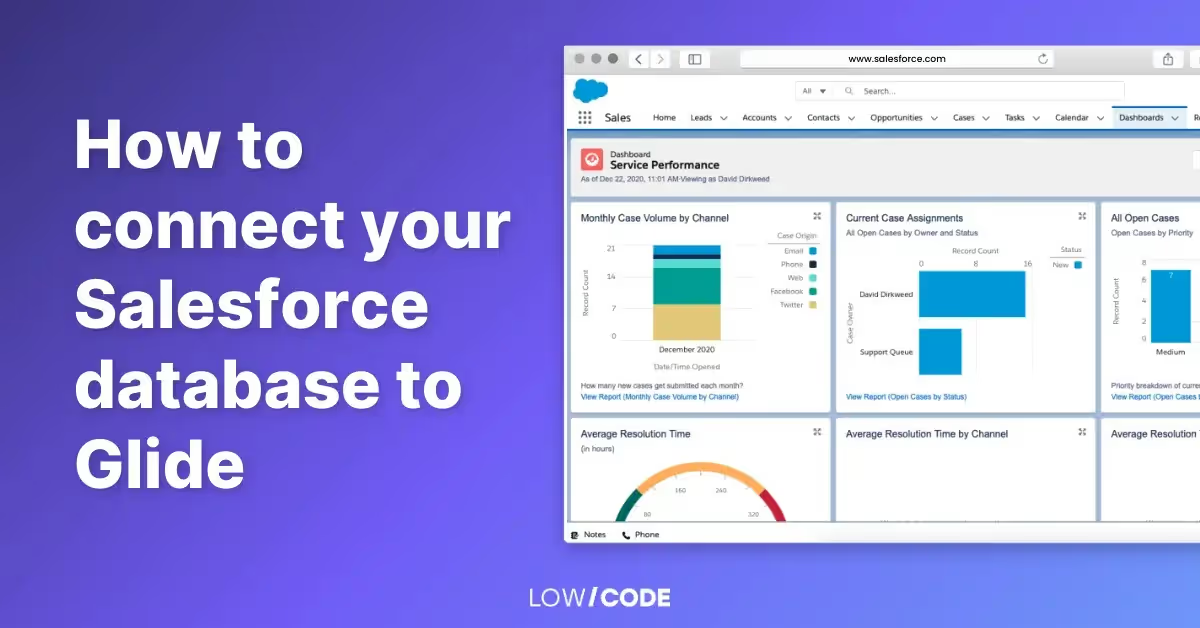
How to Connect Salesforce Database to Glide (Complete Guide)
Learn how to connect your Salesforce database to Glide using APIs, Zapier, or middleware. Sync data, automate workflows, and avoid common setup mistakes.

Glide
Can Glide Build iPhone Apps? (Glide iOS App Guide)
Can Glide build iPhone apps? Learn how Glide works on iOS, App Store limits, key features, and when Glide is the right tool for mobile app development.
Glide
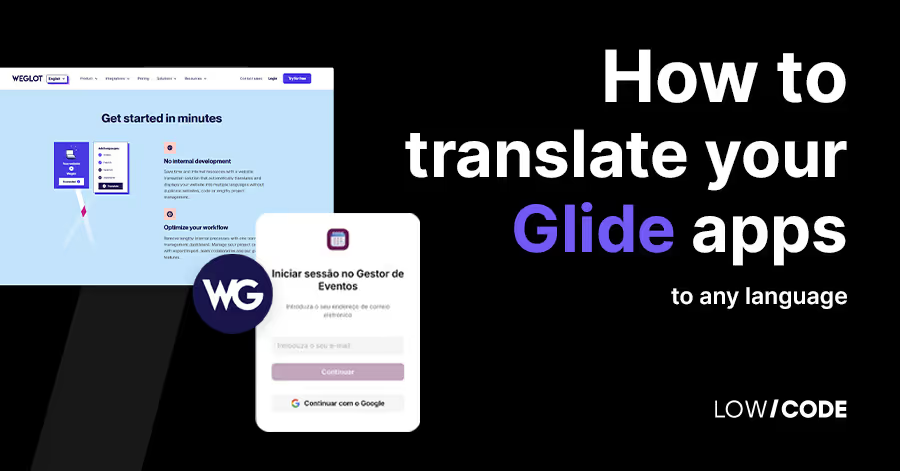
How to Translate a Glide App to Any Language (Complete Guide)
Learn how to translate a Glide app into any language using tables, computed columns, AI, and best practices for multi-language app setup and scaling.

Why customers trust us for no-code development


