

18+ Best Glide App Templates to Build Faster (2026 Picks)
16 min
read
Discover 18+ best Glide app templates to build faster in 2026. Explore ready-made Glide templates for MVPs, internal tools, and scalable business apps.


Why People Use Glide App Templates
Glide app templates are designed to remove friction at the very beginning of the build process. Instead of starting with an empty canvas, templates provide a working structure that already reflects how real Glide apps are built. This includes screens, navigation, data relationships, and basic logic that follow platform best practices.
For founders and teams building internal tools or business apps, this matters because early setup decisions often slow projects down or create confusion later. Templates reduce that risk by offering a proven starting point that can be adapted to real workflows.
They also make Glide more approachable. By showing how data, actions, and layouts connect in a real app, templates shorten the learning curve and allow teams to focus on shaping the product instead of figuring out the platform.
Best 15+ Glide App Templates You Can Start With
1. Marketplace App
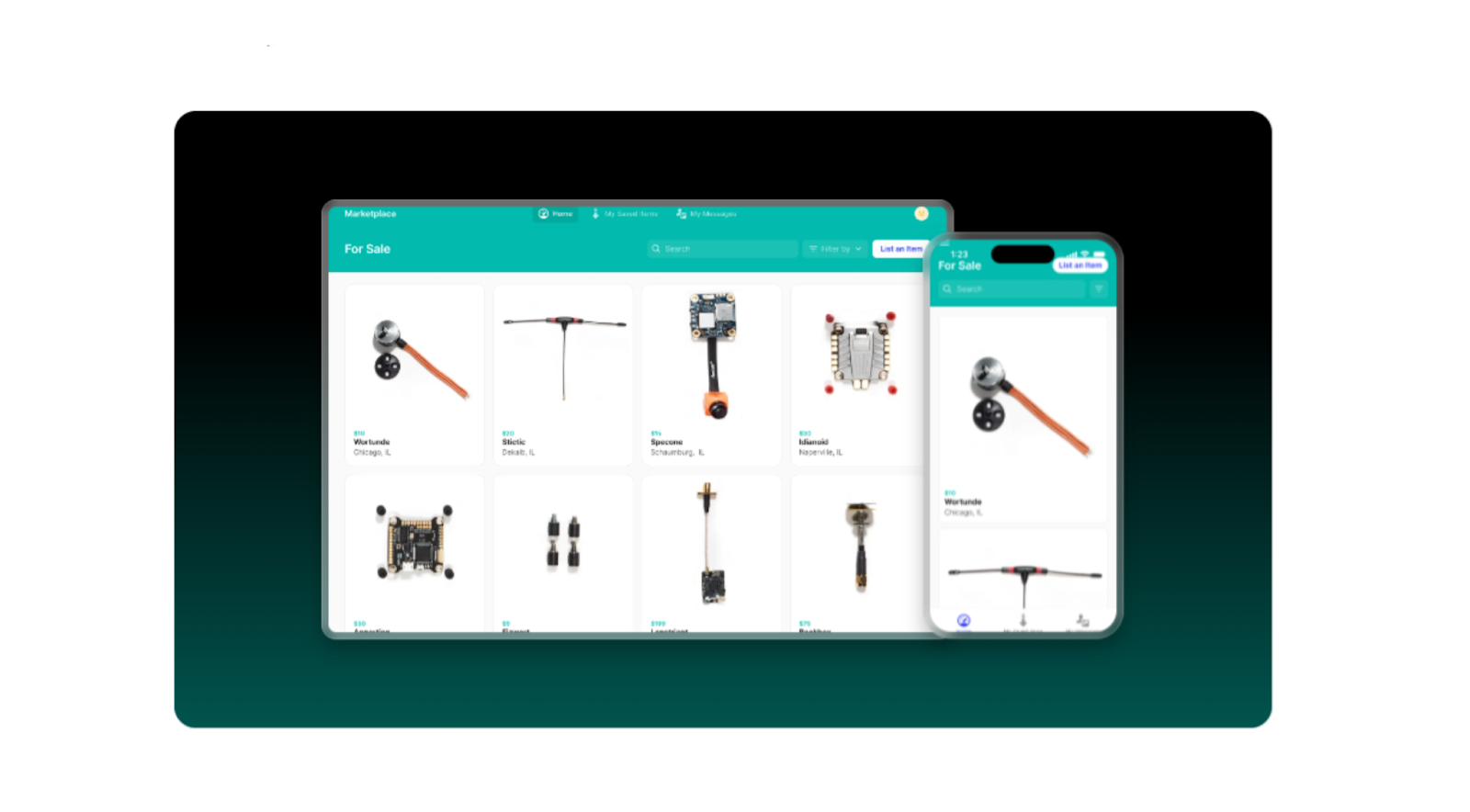
This template is designed for listing products or services in a clean, searchable interface that feels familiar to users from day one.
Features
The Marketplace template includes a structured product list, item detail pages, search functionality, and a saved or wishlist section. It is ideal for showcasing items, services, or offerings in a way that is easy to browse and filter. You can adapt it for internal catalogs, member-only marketplaces, or simple transactional use cases.
While it does not replace a full eCommerce platform, it works well for MVPs, internal purchasing tools, or curated product directories that need fast setup and clear navigation.
2. Maintenance Portal
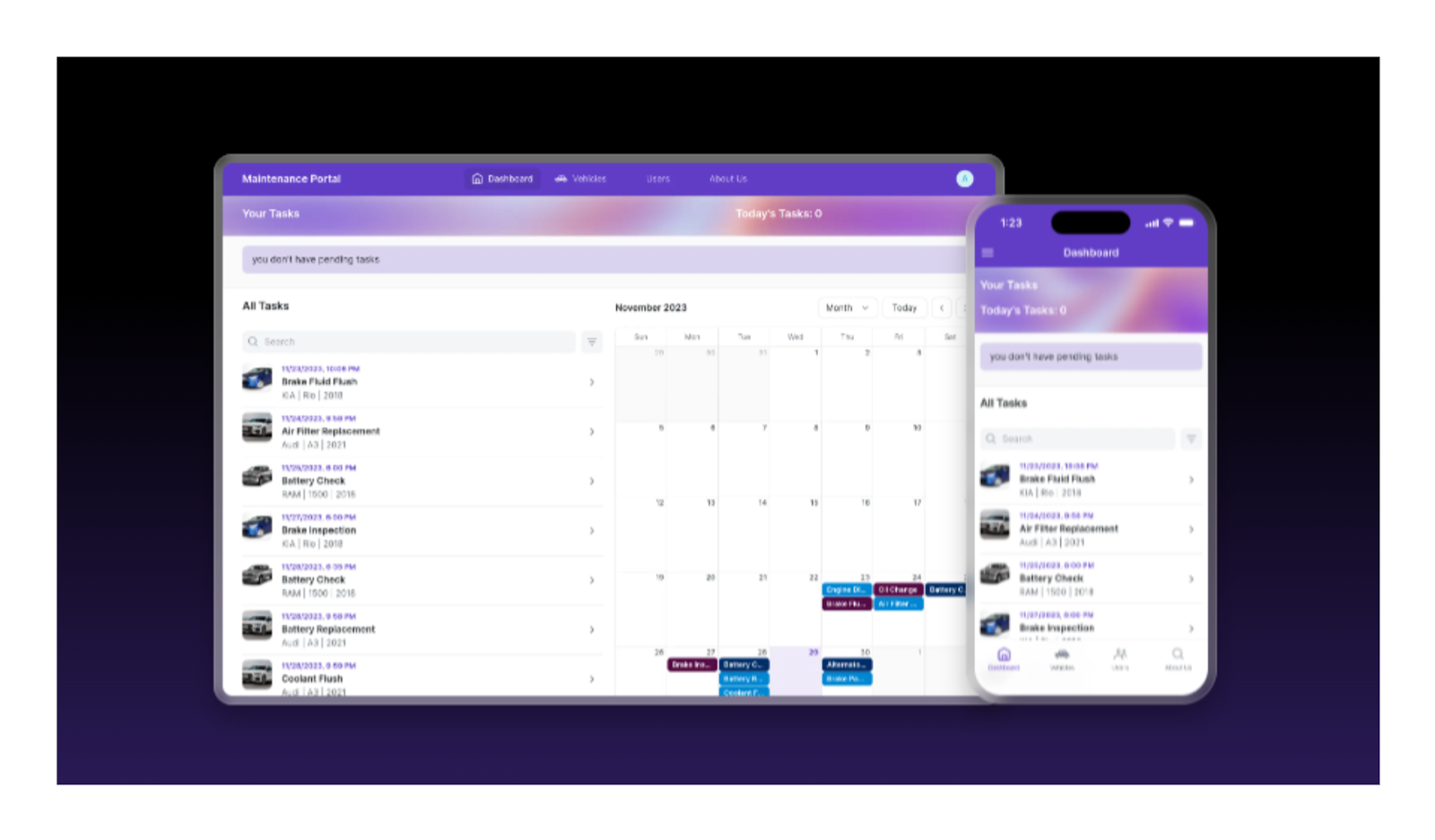
A practical template for tracking assets, maintenance tasks, and lifecycle status in one centralized system.
Features
The Maintenance Portal template replaces spreadsheets used for asset tracking and maintenance planning. It allows teams to register equipment, vehicles, or facilities, create maintenance tasks, and monitor asset status over time. Admins can manage users, assign responsibilities, and keep all operational data in one place.
This template is flexible enough to support different asset types and is commonly adapted for facilities management, equipment tracking, or internal operations teams that need a clear system of record.
3. Inventory & Orders Tracker
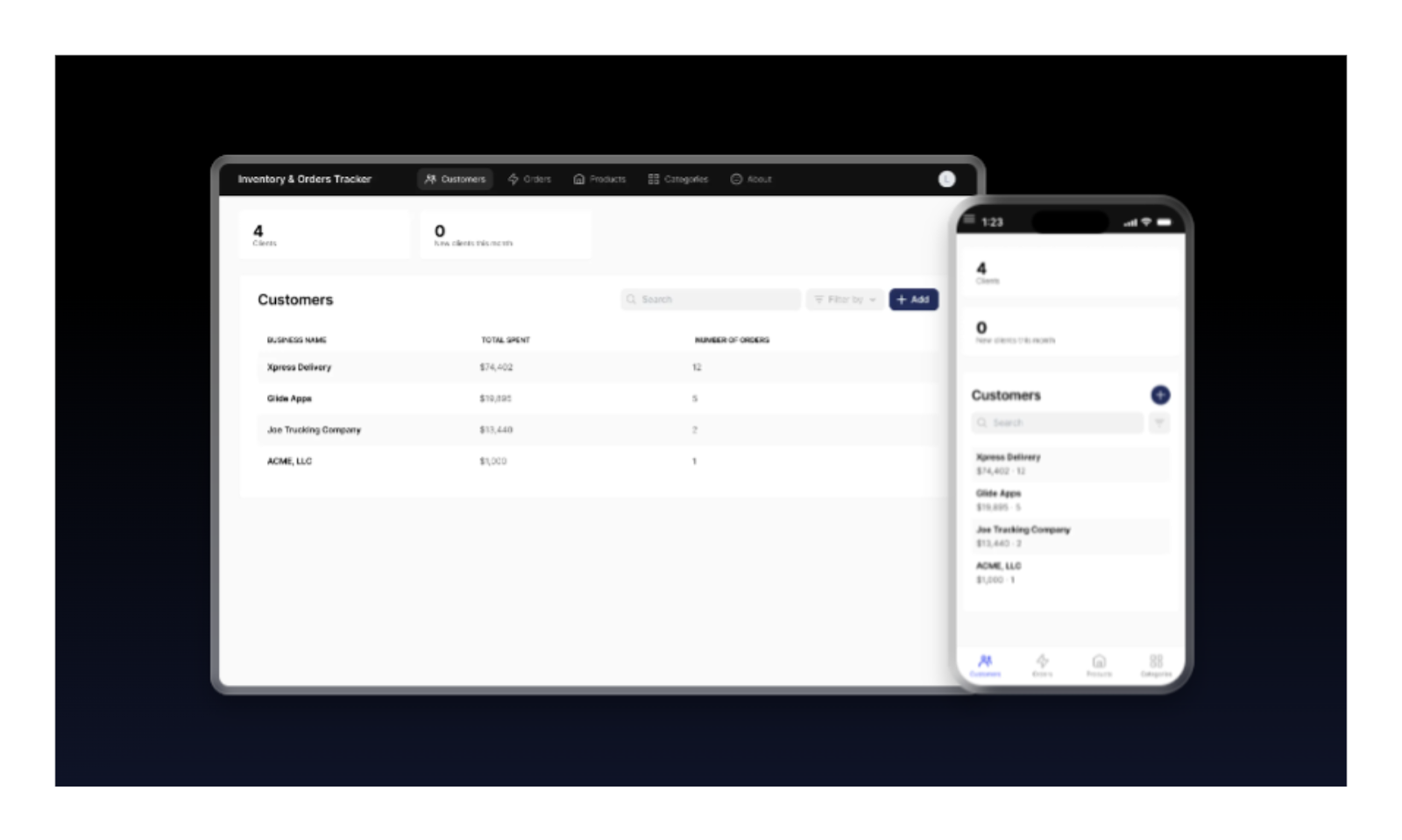
Built for teams that need visibility into products, orders, and clients without juggling multiple disconnected tools.
Features
This template combines inventory management, order tracking, and client records into a single app. You can manage products, track stock levels, create and monitor orders, and review client purchase history. It also supports basic reporting and role-based access for team collaboration.
The structure is especially useful for small operations, wholesale businesses, or internal logistics teams that need real-time visibility without complex systems.
4. Learning Management System (LMS)
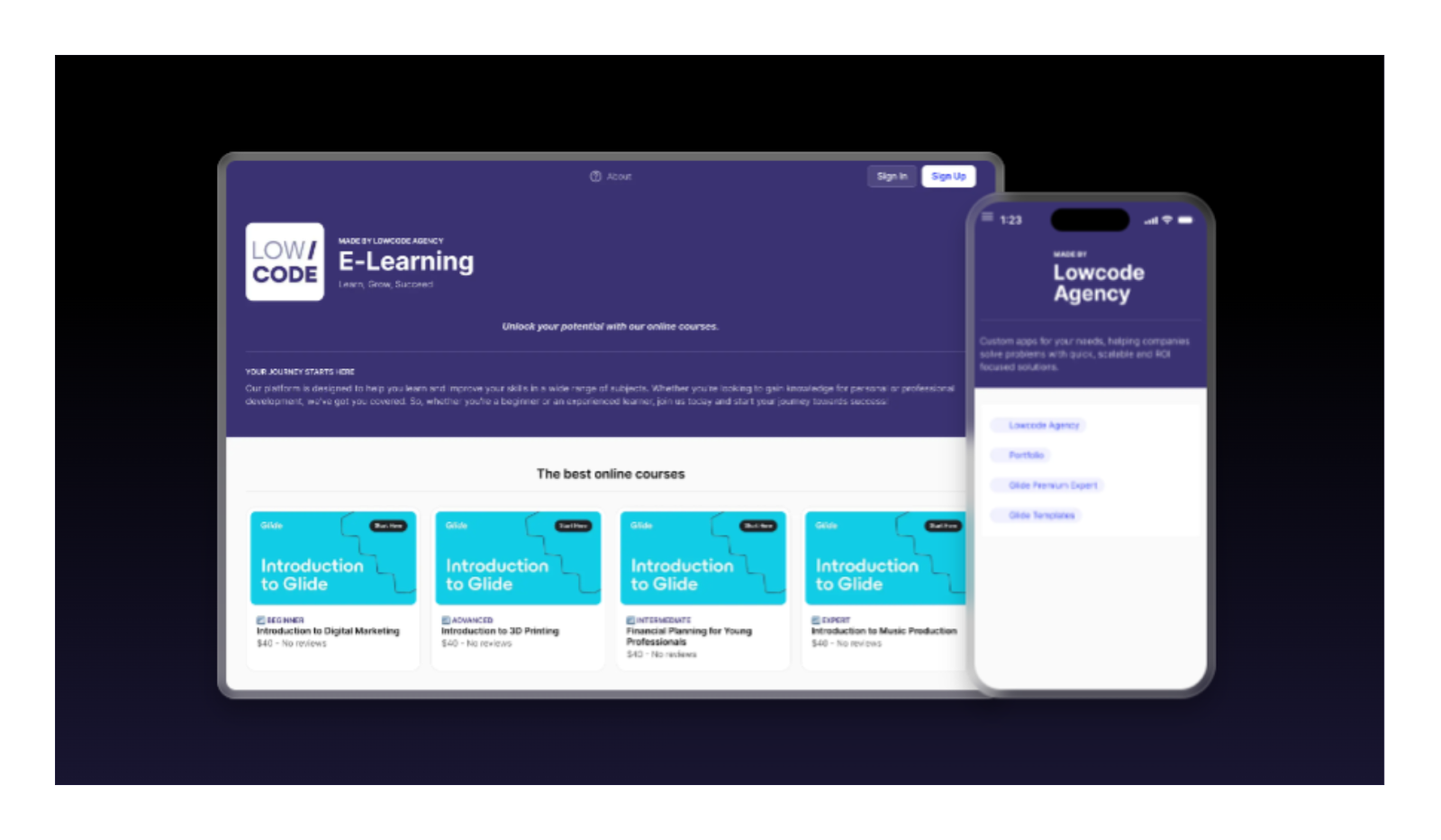
A structured template for organizing courses, lessons, and enrollments in a simple, branded learning platform.
Features
The LMS template supports course modules, lessons, user enrollment, and content access control. It works for internal training, paid or free courses, and knowledge-sharing platforms. Admins can manage users, permissions, and content, while learners access materials on any device.
The template is designed to be customized visually and functionally, making it suitable for onboarding programs, internal academies, or lightweight education products built with Glide.
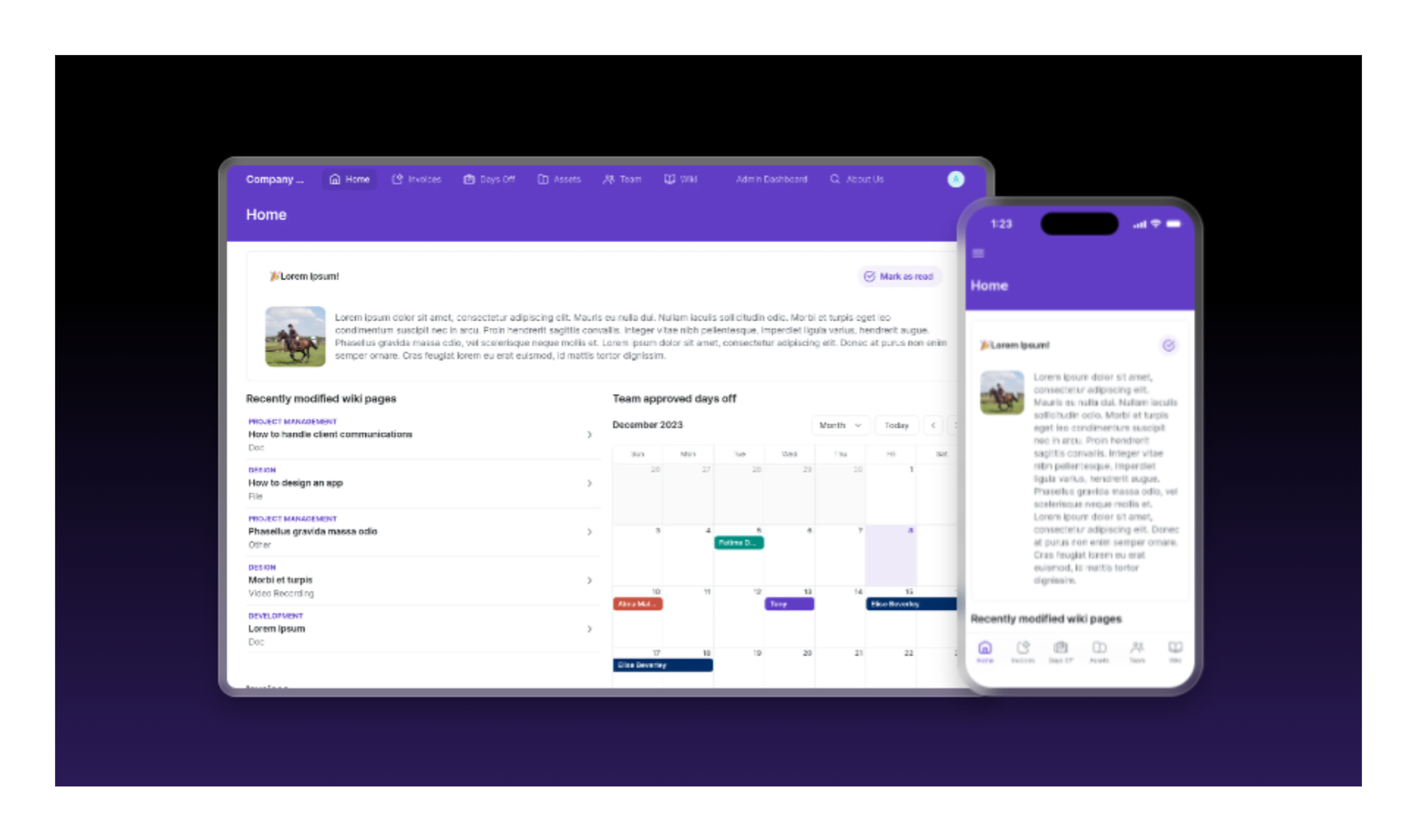
5. Company Dashboard
A centralized internal hub for tracking documents, assets, requests, and company-wide updates.
Features
This template brings multiple internal workflows into one dashboard. It supports invoice tracking, document storage, leave requests, asset assignment, and internal announcements. Teams use it to reduce scattered tools and create a single source of truth for daily operations.
The structure is flexible and can be adapted to different departments or company sizes, making it a strong foundation for internal systems that evolve over time.
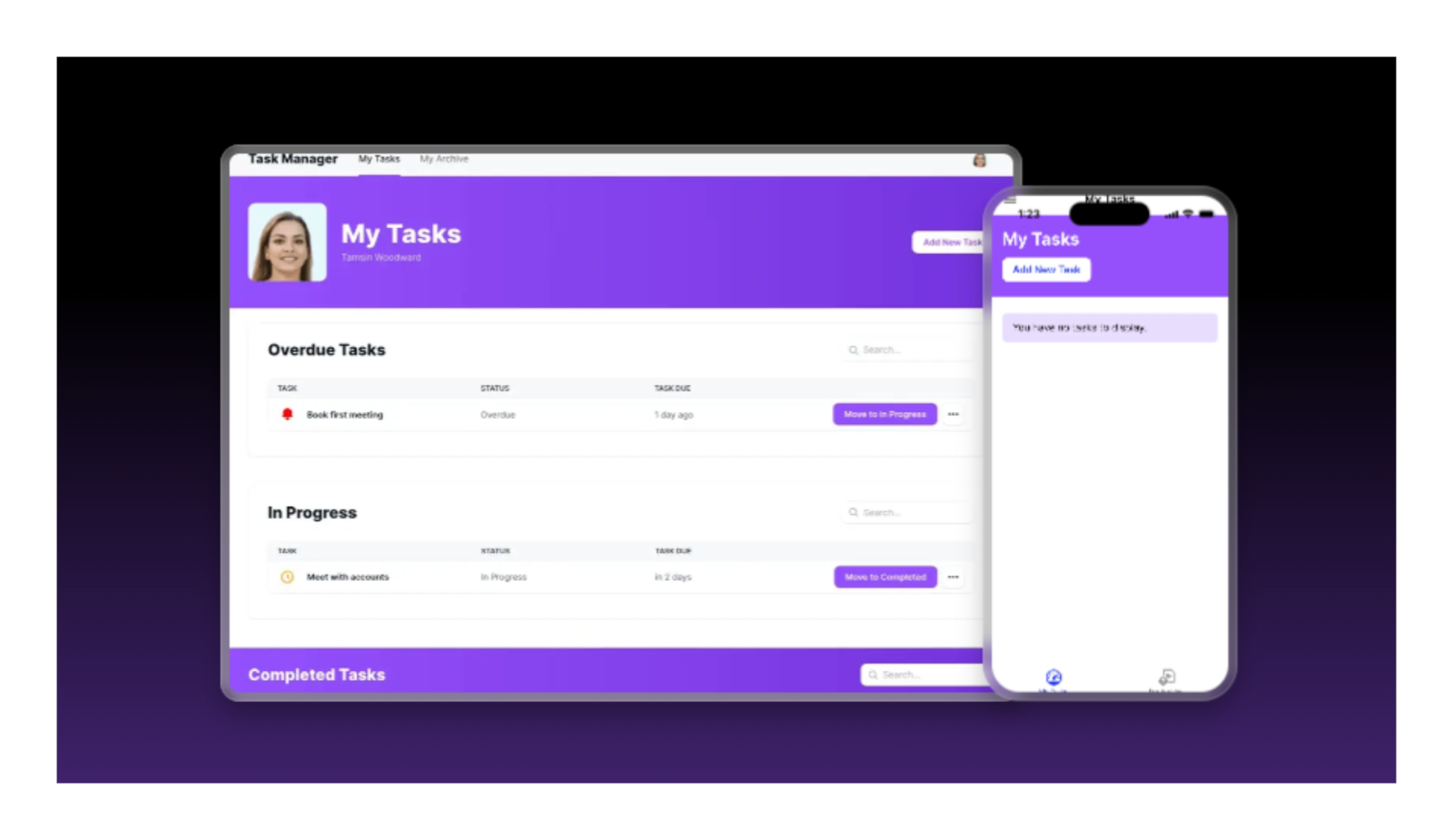
6. Task Manager
A straightforward task management template for organizing work, tracking progress, and keeping teams aligned.
Features
The Task Manager template includes task lists, status tracking, and task archiving. It is designed for clarity rather than complexity, making it easy for teams to adopt. You can assign tasks, monitor progress, and adjust workflows without overwhelming users.
This template works well as a lightweight internal tool or as a base layer that can later be expanded with automation, notifications, or role-based permissions.
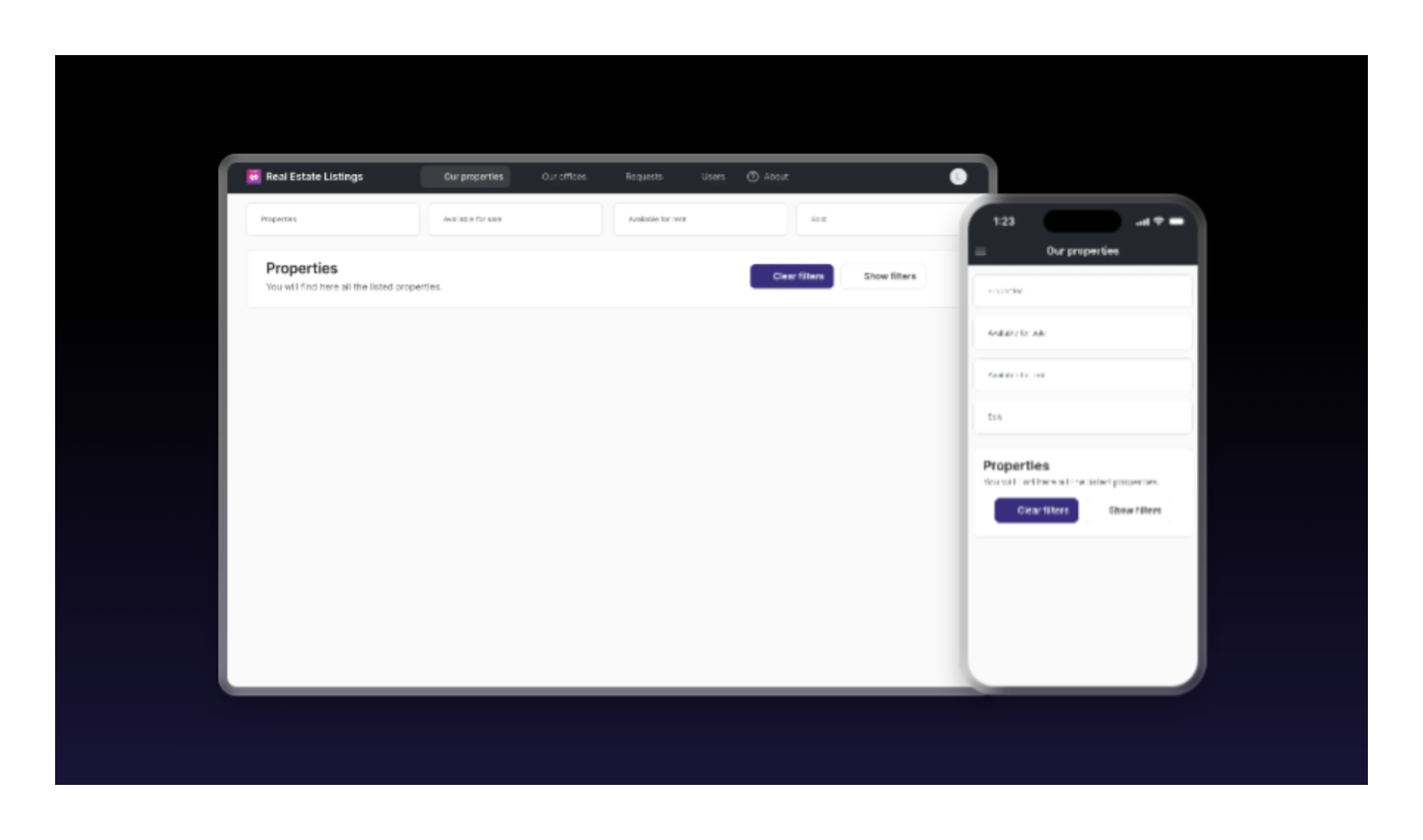
7. Real Estate Listings
A template for managing property listings, client inquiries, and real estate workflows in one mobile-friendly app.
Features
This template supports property listings with images, search filters, and inquiry management. It can be used to showcase properties, track clients, manage documents, and schedule showings. Secure access and customization options make it suitable for internal teams or client-facing use.
Many teams extend this template to manage deals, contacts, and operational tasks beyond basic listings.
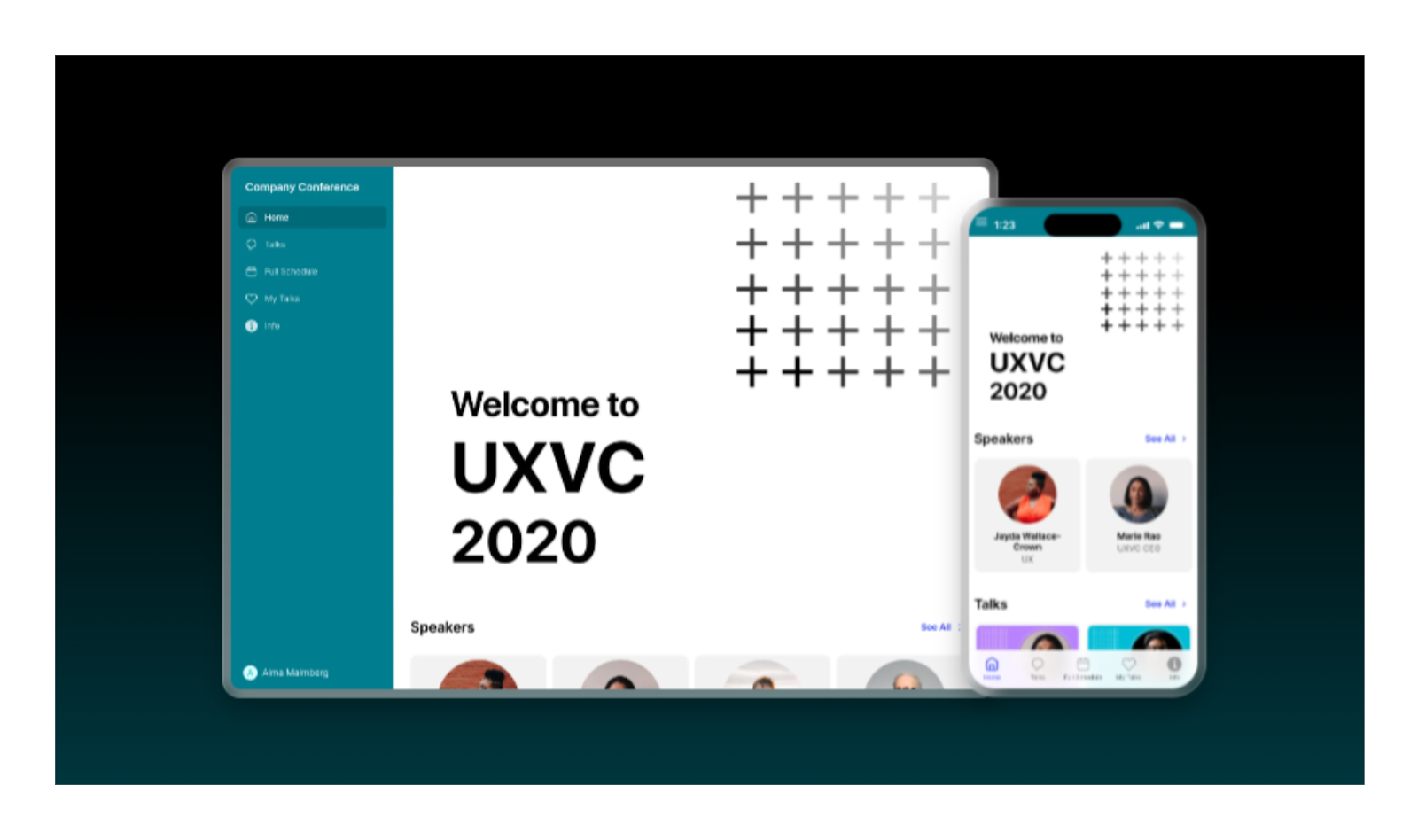
8. Company Conference
Designed to organize events with schedules, speakers, sessions, and attendee engagement tools.
Features
The Conference template includes session schedules, speaker profiles, maps, and reminders. Attendees can explore content, connect with others, and stay informed throughout the event. Organizers can update schedules, manage information, and improve engagement without building everything from scratch.
It works well for internal events, client conferences, or educational gatherings that need a clear, mobile-first experience.
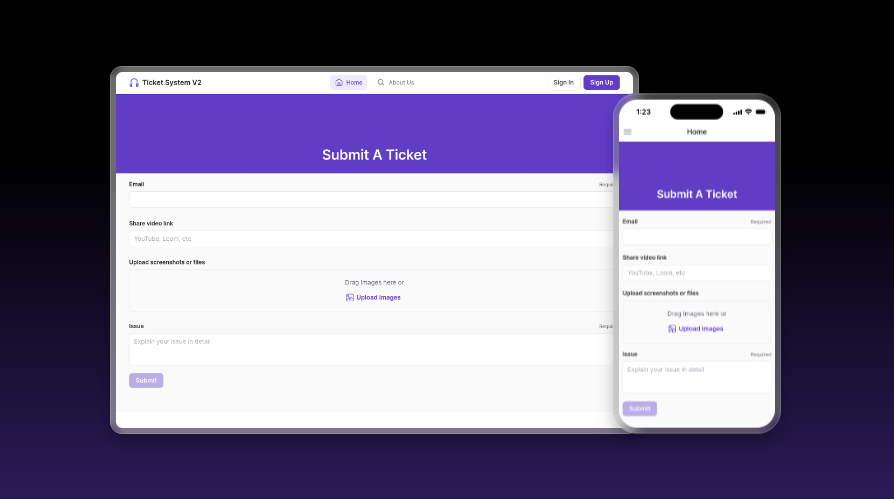
9. Ticket & Support AI System
A support-focused template that combines ticket tracking with AI-assisted prioritization and responses.
Features
This template allows users to submit and track support tickets while teams manage requests through a centralized interface. AI features can assist with prioritization, response drafting, and trend analysis. It also includes internal chat for team collaboration.
The structure is ideal for customer support teams, internal IT help desks, or service operations that want to streamline request handling without heavy infrastructure.
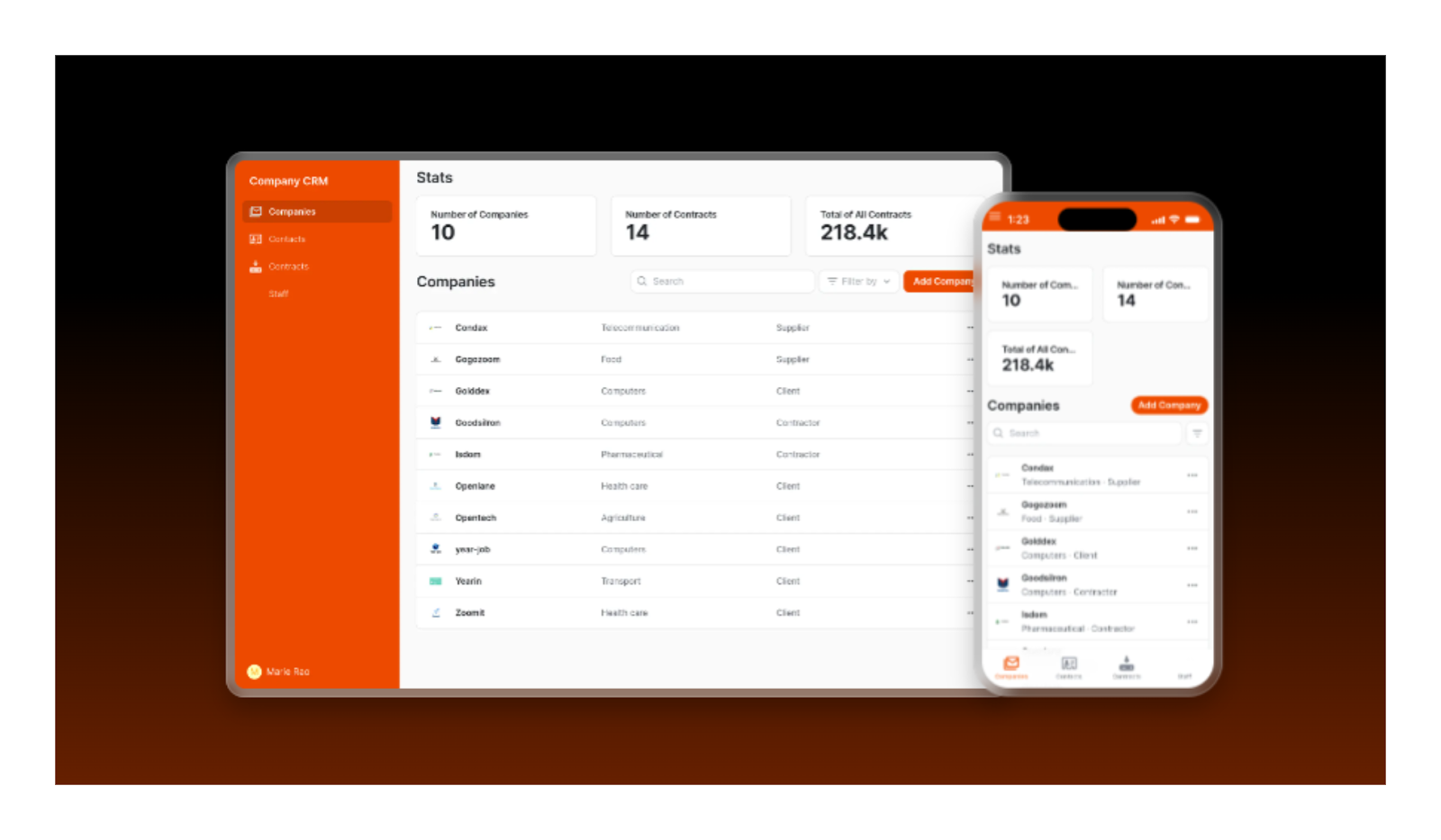
10. Company CRM
A simple CRM template for organizing contacts, companies, and contracts in one shared workspace.
Features
This CRM template supports contact management, company records, and contract storage. Teams can quickly find information, attach documents, and collaborate around shared data.
While it is not a replacement for enterprise CRMs, it works well for small teams, internal sales tracking, or early-stage systems that need clarity and flexibility without unnecessary complexity.
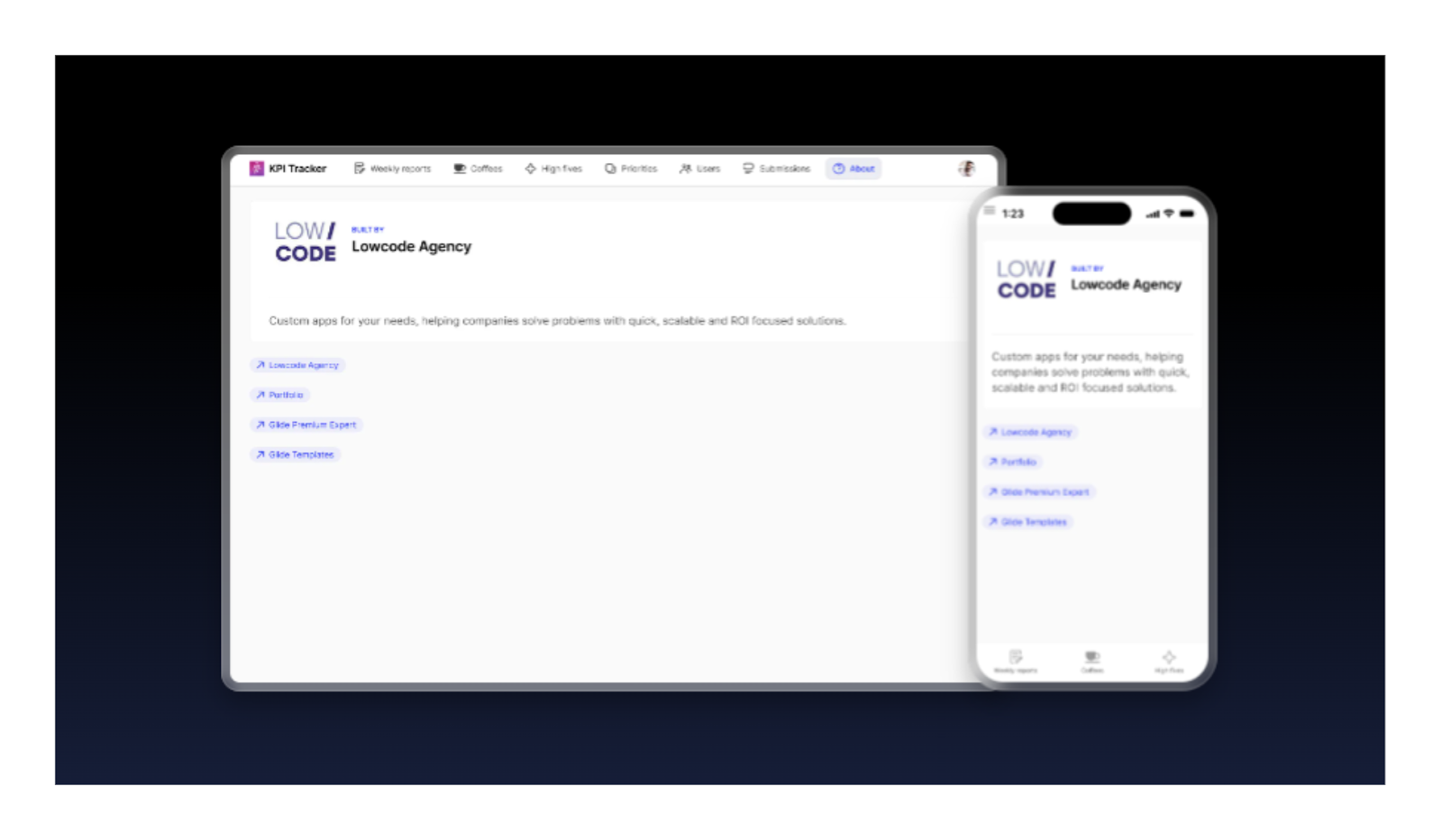
11. KPI Tracker
A performance-focused template for tracking goals, progress, and team engagement in one dashboard.
Features
The KPI Tracker template allows users to set goals, run weekly check-ins, and visualize progress. It supports 1:1 interactions, feedback, and task tracking, making it useful for team performance and people operations.
The structure encourages accountability while remaining simple to use. It can be adapted for internal metrics, OKRs, or personal productivity tracking.
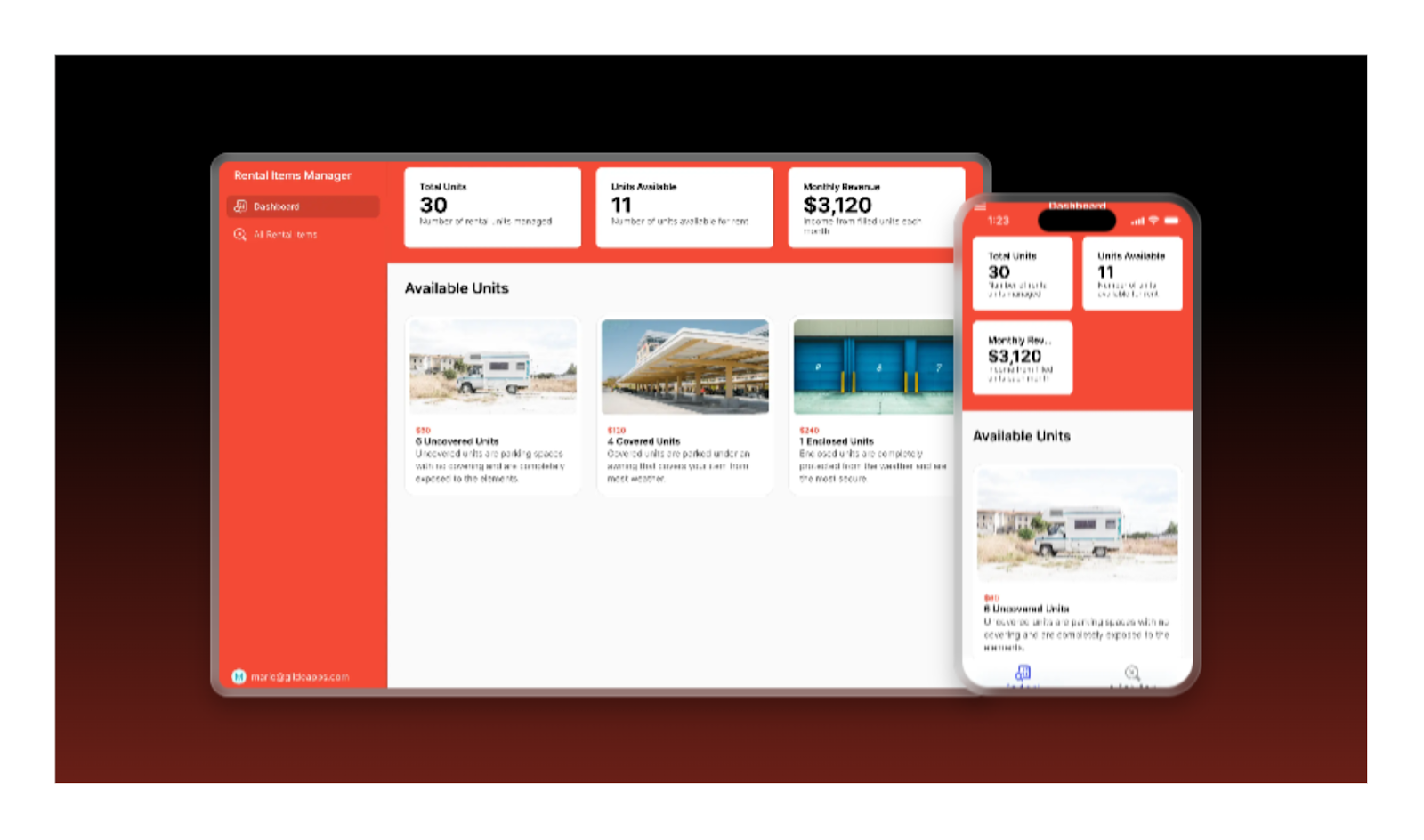
12. Rental Items Manager
A flexible template for managing rental inventory, availability, and customer assignments.
Features
This template helps teams manage rental items such as equipment, vehicles, or tools. You can track availability, assign items to customers, and monitor usage over time. It works well for small rental businesses or internal asset lending systems.
The data structure can be extended with billing, maintenance tracking, or automation as operations grow.
13. Bar Menu
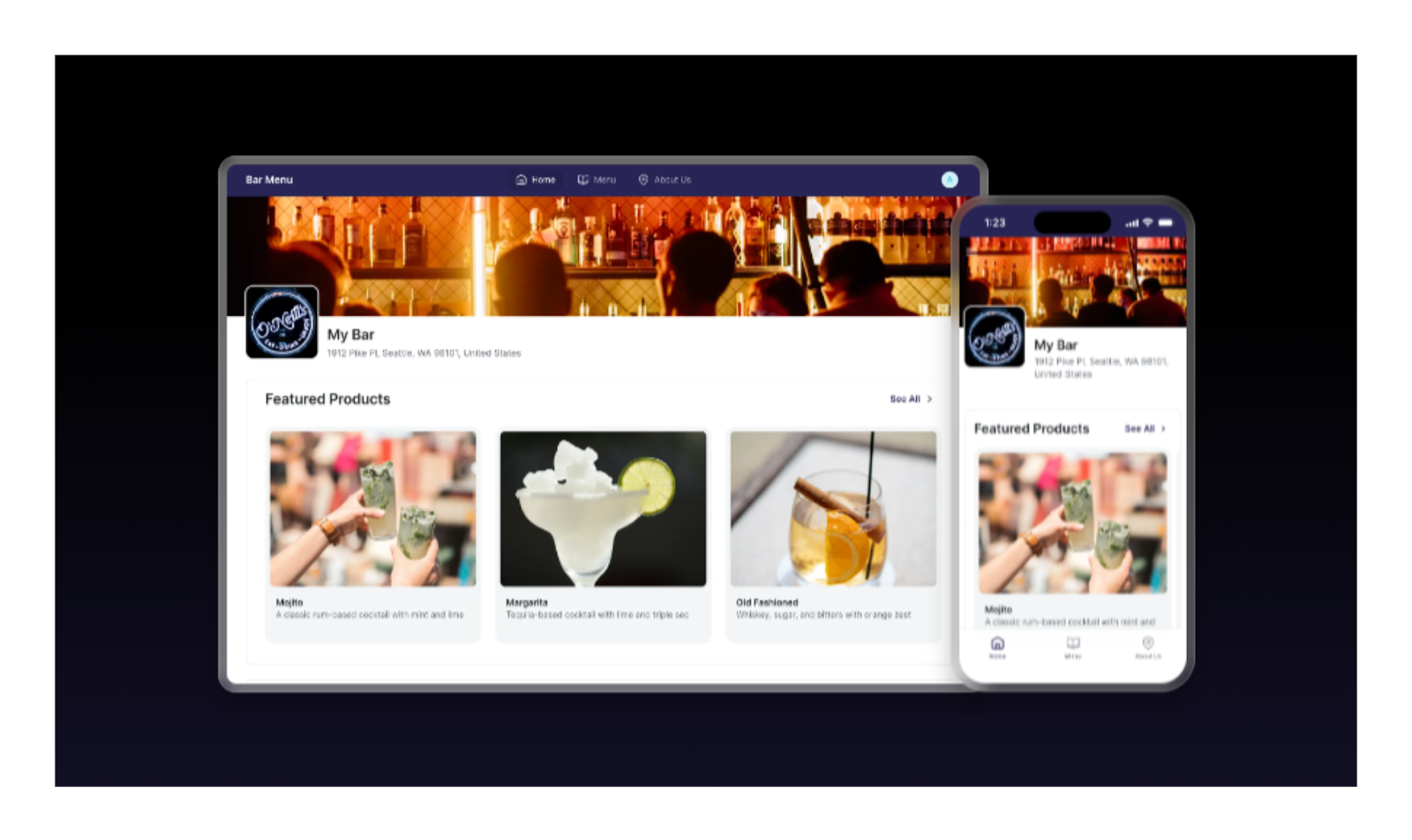
A customer-facing template designed to showcase drinks, organize categories, manage availability, and offer a clean, mobile-friendly digital menu experience for bars and hospitality teams.
Features
The Bar Menu template is built to present drink menus in a clean, mobile-first format that customers can access instantly. It supports categorized menus, item descriptions, images, availability status, and basic ratings or favorites. Teams can update prices, availability, or menu items in real time without re-publishing the app.
While simple by design, the structure can be extended to support multiple locations, seasonal menus, or internal staff views. It works especially well for bars, cafes, and hospitality teams that want a digital menu without operational complexity.
14. My Hotel
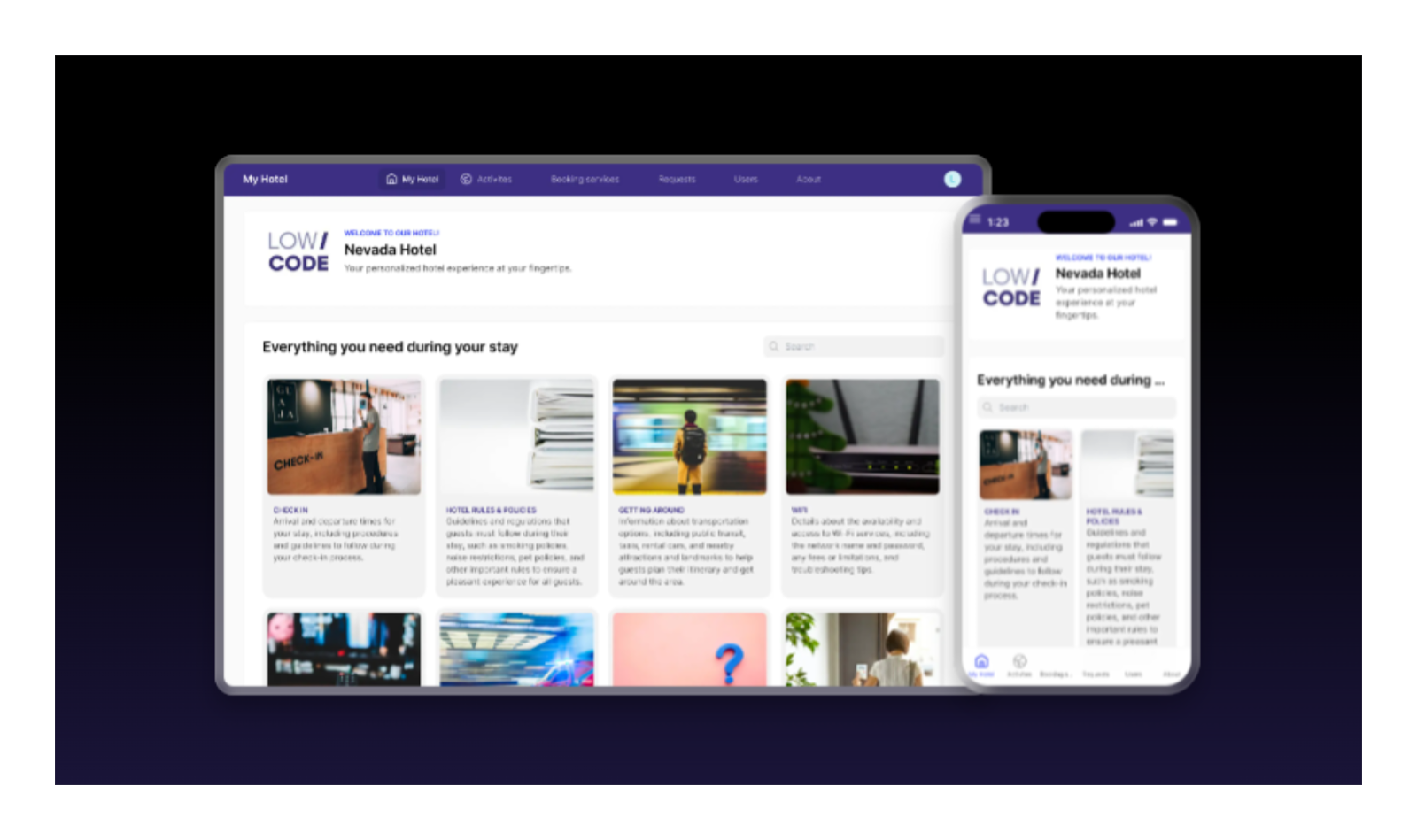
An all-in-one hospitality template that combines guest services, reservations, internal operations, and analytics into a single app for managing hotel workflows efficiently.
Features
My Hotel is a comprehensive template designed to manage both guest-facing experiences and internal hotel operations. It includes reservations, check-in and check-out flows, room availability, guest requests, and service tracking. Guests can submit requests, order services, and access hotel information, while staff manage bookings, assign rooms, and monitor operations from one system.
The template also supports analytics around occupancy and guest behavior. Its structure allows integration with existing tools and can be extended with automation for housekeeping, maintenance, or concierge workflows.
15. CrewBox
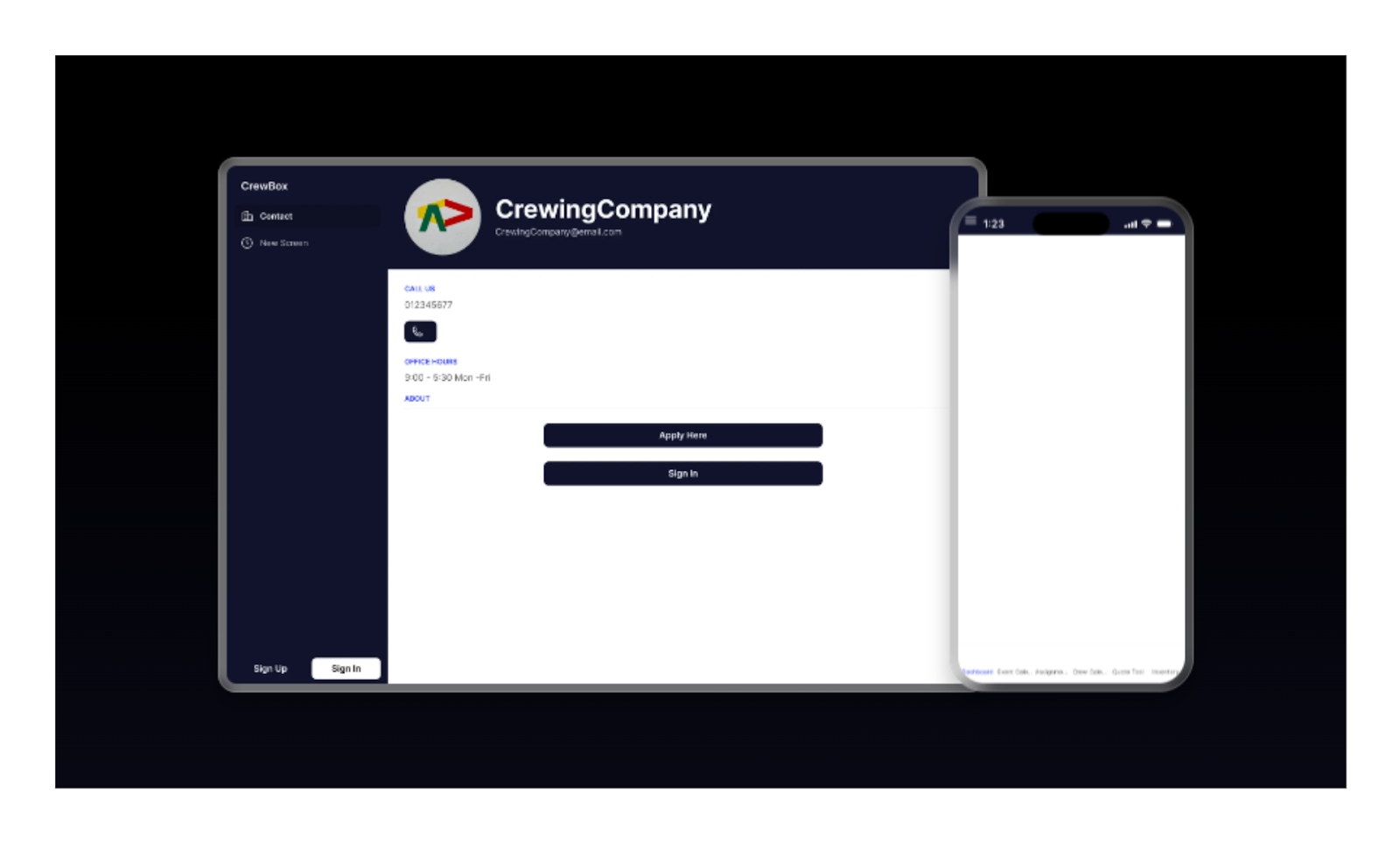
An event operations template built to manage crews, schedules, expenses, and invoicing, giving teams a clear overview of projects and on-the-ground logistics.
Features
CrewBox is designed for event-based operations that require coordination between people, schedules, and finances. The template supports event planning, crew assignment, availability tracking, expense logging, quote creation, and invoicing. Teams get a centralized dashboard showing upcoming events, assigned crew members, and financial status.
Because it is mobile-friendly, crews can access schedules and updates on the go. The structure is flexible enough to adapt to different event types, making it useful for production teams, agencies, or service providers managing multiple concurrent projects.
16. Our Check-In
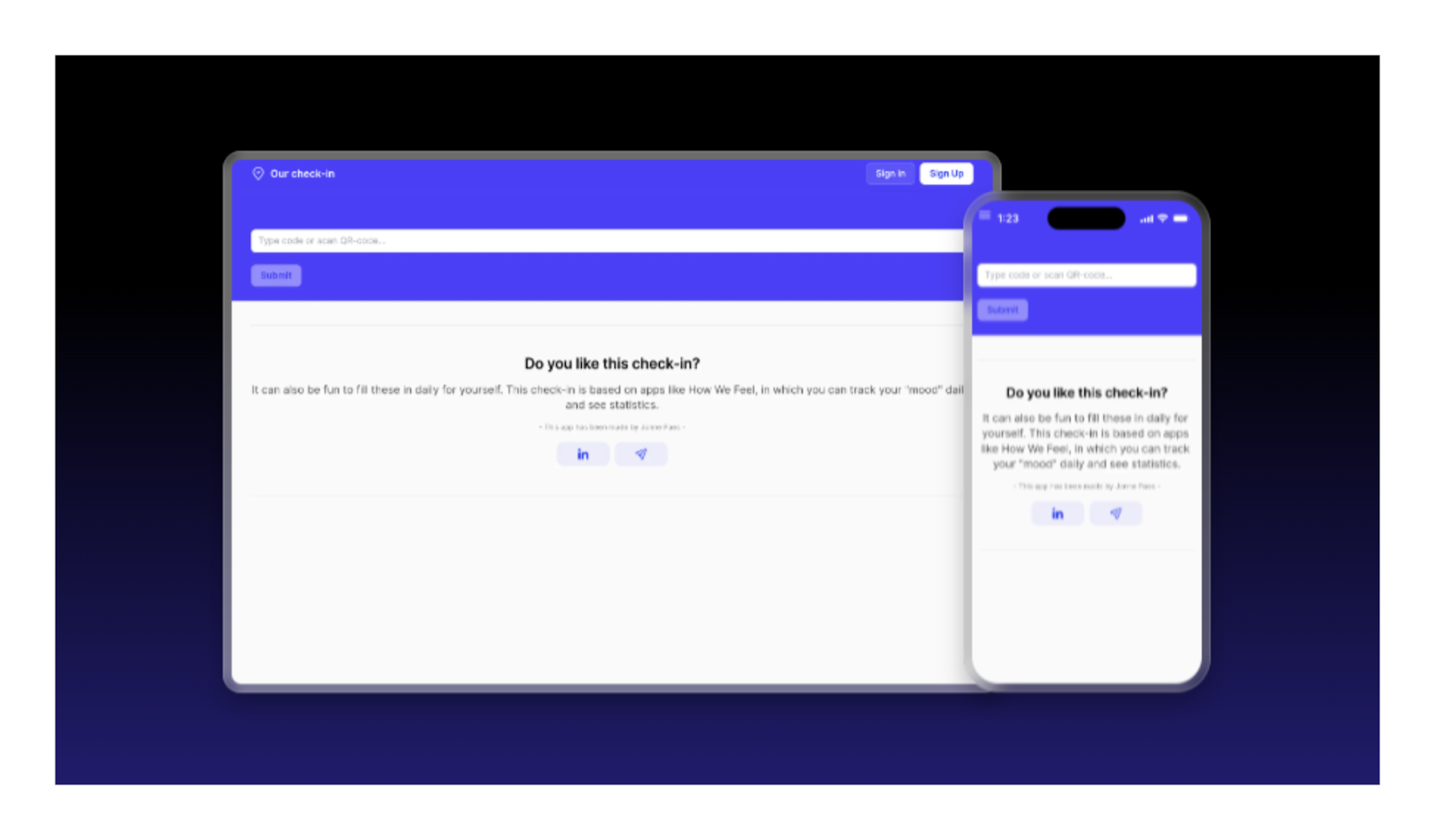
A lightweight template focused on collecting mood check-ins, feedback, and engagement signals from groups, teams, or classrooms in a simple, accessible format.
Features
Our Check-In focuses on collecting quick feedback and sentiment from groups in a lightweight, accessible way. It allows participants to submit mood check-ins, reflections, or short responses, helping facilitators understand how a group is feeling in real time. The template is commonly used in classrooms, workshops, team meetings, or community settings.
While intentionally simple, it can be expanded with user roles, historical tracking, or aggregated insights. Its strength lies in ease of adoption and creating consistent feedback loops without adding friction.
17. Delivery
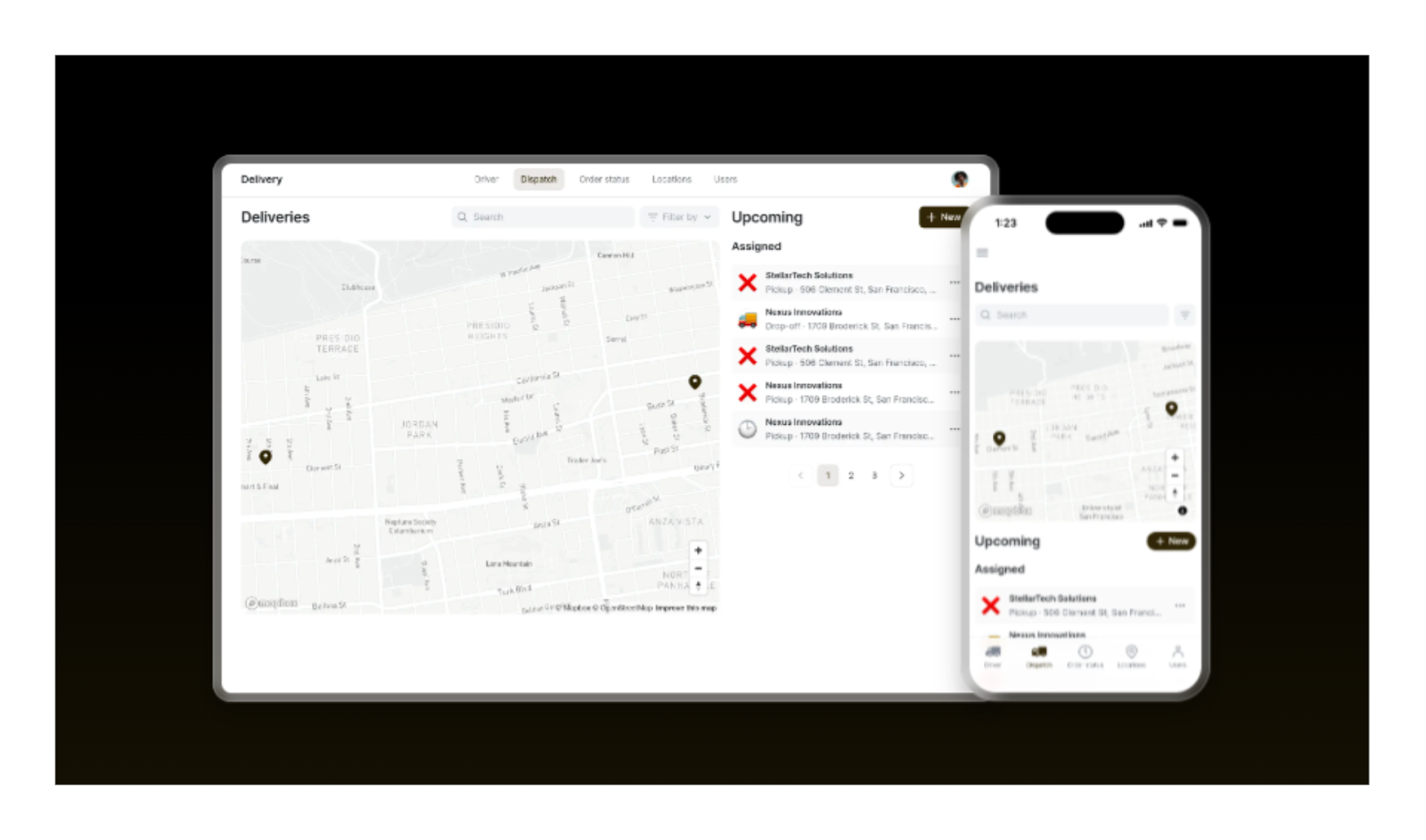
A logistics-focused template for managing deliveries, assigning drivers, tracking orders in real time, and keeping both teams and customers informed throughout the delivery process.
Features
The Delivery template is built to manage logistics operations from dispatch to completion. It supports order creation, driver assignment, route planning, delivery status updates, and real-time progress tracking. Teams can monitor deliveries centrally while drivers access their assigned routes and tasks from mobile devices.
Customers can receive updates and estimated arrival information, improving transparency. The data structure can be extended to include notifications, performance metrics, or automation with external systems. This template is well suited for small delivery businesses or internal logistics teams scaling their operations.
18. Issue Tracker
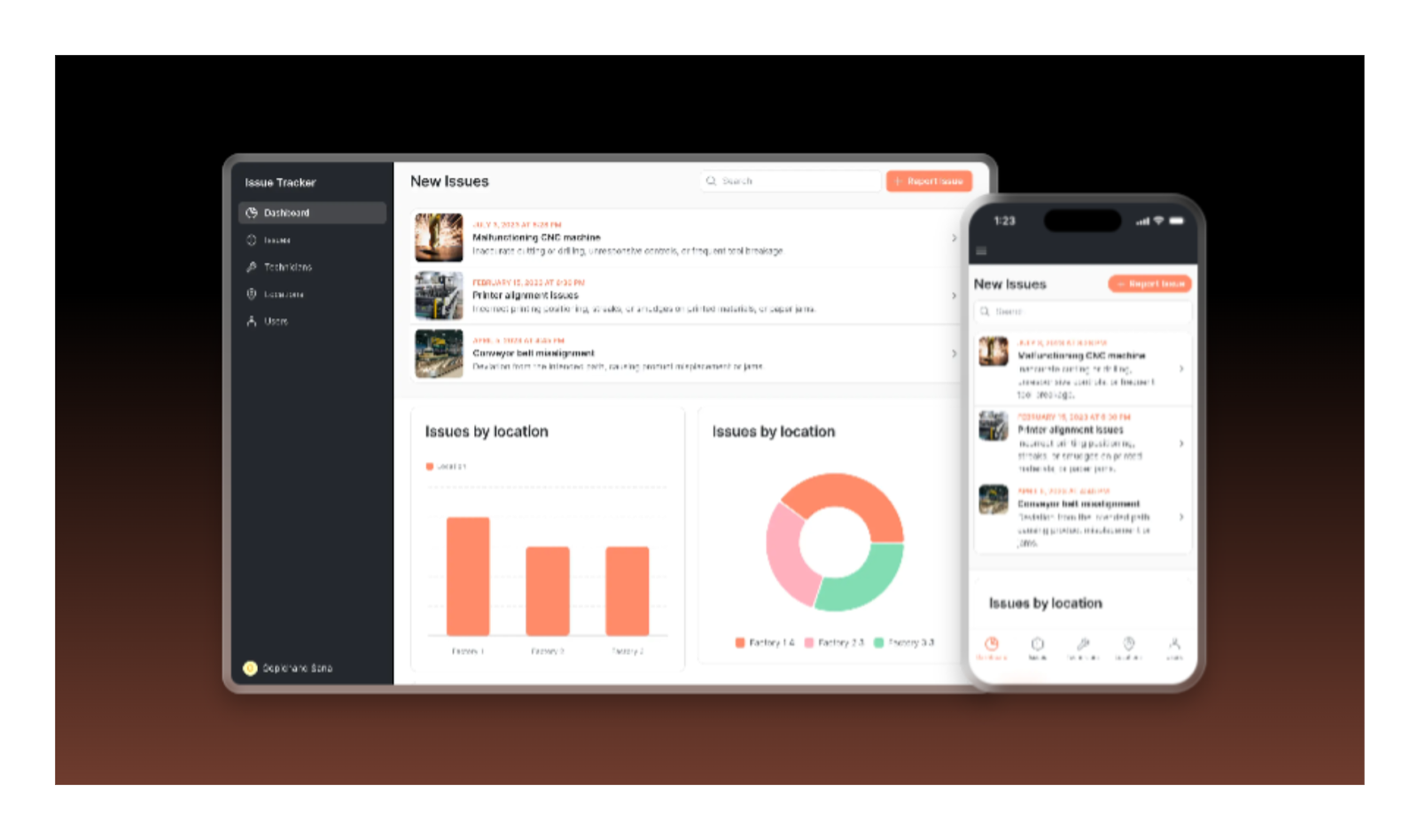
A reporting template that helps teams submit, assign, track, and resolve operational or workplace issues with clear visibility and accountability across the organization.
Features
The Issue Tracker template enables teams to report, assign, and resolve operational or workplace issues in a structured way. Users can submit issues with descriptions, photos, and location data, making reports clear and actionable. Managers assign responsibility, track resolution status, and generate reports to identify recurring problems.
The template supports accountability and visibility across teams, reducing overlooked issues. It works well for facilities management, internal operations, or quality control processes, and can be extended with permissions, notifications, or analytics as needs grow.
How to Choose the Right Glide Template for Your App
Choosing the right Glide template is less about design and more about structure. A good template should support your business logic, your data, and how the app will be used day to day. Taking time to choose well upfront helps avoid rework as the app grows.
- Matching templates to your business goal
Start by defining what the app needs to achieve. Internal tools, client-facing apps, and operational systems have very different requirements. Choose a template that matches your real use case, not just the fastest-looking option. - Choosing the right data structure from the start
Templates come with predefined tables and relationships that shape how your app works. Review how data connects and whether it can scale as you add features, users, or workflows over time. - Avoiding templates that limit future changes
Some templates are built for narrow scenarios and become restrictive later. If layouts, logic, or data models are too rigid, adapting the app can be harder than rebuilding. Understanding Glide’s strengths and limitations helps you avoid that trade-off, as explained in this Glide review.
How Glide App Templates Work in Practice
Once you choose a Glide template, the real work begins by adapting it to your data and workflows. Templates are not finished products, but starting points that need adjustment to fit how your app should actually operate.
- Copying a template and connecting your data
You start by copying the template into your Glide workspace and replacing sample data with your own sources. This usually means connecting tables, cleaning fields, and confirming relationships match how your business data works. - Customizing screens, actions, and workflows
Templates include basic screens and actions, but these need to be adapted. You can modify forms, buttons, visibility rules, and actions so the app supports your real processes instead of generic flows. - Adjusting branding, layout, and navigation
Visual elements should reflect your brand and improve usability. Updating colors, typography, layout density, and navigation helps the app feel intuitive, especially when considering mobile-first behavior in Glide.
Using Templates for Real Business Apps (Not Just Demos)
Glide templates become truly valuable when they are adapted for daily operations, not just tested as examples. To work in real environments, templates need structure, access control, and data handling that supports how teams actually operate.
- Turning templates into production-ready tools
Production apps require reliable logic, clear workflows, and consistent behavior. This means refining actions, validating data flows, and testing edge cases so the app works predictably under real usage conditions. - Managing permissions and user roles
Real business apps need different access levels. Glide templates can be extended with roles, visibility rules, and permissions so users only see and edit what they are responsible for. - Handling real operational data
Templates must be prepared to handle live data that changes constantly. Cleaning data structures, preventing duplicates, and planning for scale is especially important for inventory apps built with Glide, where accuracy and consistency matter daily.
Extending Glide Templates with AI and Automation
Glide templates can go far beyond static apps when combined with AI and automation. By layering intelligent features on top of an existing template, teams can reduce manual work and make apps more responsive to real-world scenarios.
- Adding AI-powered features on top of templates
Templates can be extended with AI to automate repetitive tasks, generate content, classify data, or support decision-making. This turns a basic app into a smarter system that reacts to inputs instead of relying on manual updates. - Using Glide’s native AI capabilities
Glide includes built-in AI features that can be added directly to templates without complex setup. These tools are useful for tasks like text generation, summaries, and data enrichment, as shown in Glide’s native AI features in action. - Connecting templates with OpenAI for smarter workflows
For more advanced use cases, templates can be connected to OpenAI to power custom logic, assistants, or automated responses through OpenAI integration with Glide.
When Glide App Templates Are Not the Right Fit
Glide templates are powerful starting points, but they are not the best solution for every scenario. In some cases, starting from a template can create friction instead of saving time, especially when requirements go beyond standard patterns.
- Where templates can feel restrictive
Templates are built around predefined structures. When your app needs workflows or layouts that don’t fit those assumptions, understanding the advantages and disadvantages of Glide helps clarify whether a template is the right starting point. - When you need to rebuild logic instead of tweaking
If core logic must be changed, such as data relationships or workflows, modifying a template may take longer than rebuilding cleanly. This often happens when business rules are very specific. - Trade-offs between speed and flexibility
Templates optimize for speed, not maximum flexibility. As apps grow, shortcuts taken early can slow future changes if the structure was not chosen carefully. - Highly custom UX or complex logic needs
Apps that require unique interactions, advanced calculations, or unconventional user flows usually outgrow template-based foundations quickly. - Large-scale consumer apps
Templates are not designed for high-volume consumer products with heavy traffic and highly customized experiences. Understanding Glide scalability limits helps set realistic expectations for long-term growth.
Glide App Templates vs Custom Built App
Glide templates are great for speed, but they are not always the right long-term choice. As requirements become more specific, teams often need to decide whether to keep adapting a template or build a custom Glide app from scratch.
When to Build a Glide App From Scratch
Building from scratch makes sense when your app needs a specific data model, custom workflows, or logic that does not fit existing templates. In those cases, teams may also consider Glide alternatives before committing to a long-term architecture.
It is often the better choice for apps that support core operations, handle complex processes, or are expected to evolve significantly over time. Starting clean can reduce technical debt and avoid workarounds later.
How LOW/CODE Agency Can Help
At LOW/CODE Agency, we started as builders and that has not changed. Today we build AI-powered products — web apps, mobile apps, RAG systems, chatbots, and AI agents — specifically for SMBs that want real software, not a SaaS subscription. We help teams decide when a template is enough and when a custom Glide app is the better path.
Our work focuses on aligning product structure with real business workflows, designing clear user experiences, and building systems that can evolve over time.
Whether starting from a template or from scratch, we design and build Glide apps that teams rely on every day.
Conclusion
Glide app templates are a fast and practical way to build real apps without starting from zero. They remove early friction by providing proven structures, ready-made screens, and clear data models that teams can adapt quickly.
When chosen with intention, the right template can save weeks of setup work and help you move from idea to execution much faster.
If you’re deciding whether a Glide template is enough or a custom app is the right move, we can help you make that call.
At LOW/CODE Agency, we started as builders and that has not changed. Today we build AI-powered products — web apps, mobile apps, RAG systems, chatbots, and AI agents — specifically for SMBs that want real software, not a SaaS subscription. Let’s talk.


Related Articles
- FlutterFlow vs AppSheet | 10 Factors Compared (2026)
- FlutterFlow vs Wappler | 10 Factors Compared (2026)
- FlutterFlow vs OutSystems | 10 Factors Compared (2026)
- Are Flutterflow Apps Secure? (And How to Build One in 2026)
- Glide vs Adalo | 10 Factors Compared (2026)
- Bubble vs Webflow | 11 Factors to Decide the Best One
Last updated on
September 3, 2026
.

Jesus is a visionary entrepreneur and tech expert. After nearly a decade working in web development, he founded LOW/CODE Agency to help businesses optimize their operations through custom software solutions.


FAQs
Are Glide app templates free to use?
Can I customize Glide templates fully?
Are Glide templates good for business apps?
Can I add AI features to Glide templates?
When should I avoid using Glide templates?
Why do founders avoid using Glide templates?
Related Articles
Glide
How to Build a Glide Inventory App (Step-by-Step Guide)
Build a Glide inventory app step by step. Learn setup, data structure, workflows, barcode scanning, user roles, and best practices to launch fast.

Comparison
Glide
FlutterFlow
FlutterFlow vs Glide | 10 Factors Compared (2026)
Compare FlutterFlow vs Glide across 10 key factors including flexibility, database control, scalability, pricing, and app performance to choose the right builder in 2026.

Glide
Glide App Examples: 16 Real Business Apps (2026)
Explore 16 real Glide app examples used by businesses in 2026. See how teams build internal tools, CRMs, automation, and data-driven apps.

Glide
What Is Glide? No-code App Builder Review
What is Glide? Learn how Glide works, its features, pricing, limits, and how to build powerful no-code apps from beginner to pro level.


Why customers trust us for no-code development


