Backend Workflow
No-code/low-code
Learn what a backend workflow is in no-code platforms, how it works, and why it matters. Discover examples, benefits, and tips for automating background tasks in your app.
A backend workflow in Bubble is a set of automated actions that runs on Bubble's server rather than in the user's browser. It operates independently of what is happening on any visible page.
Backend workflows handle tasks that should not depend on a user staying on the page, like sending emails, processing data, or running scheduled jobs.
Key Takeaways
- Server-side execution: Backend workflows run on Bubble's servers, not in the user's browser, so they finish even if the user navigates away.
- Not tied to a page: Unlike regular workflows, backend workflows are not connected to any visible page or user interface.
- Can be triggered multiple ways: They can be called by other workflows, a schedule, an API, or recursively by themselves.
- Required for bulk operations: Any task that processes many records, like bulk emails or batch data updates, belongs in a backend workflow.
What is Backend Workflow in Bubble?
A backend workflow in Bubble is a server-side process that runs actions without being triggered by a visible user interaction. You build it in the Backend Workflows tab and call it from other workflows, a schedule, or an API endpoint. It runs independently on Bubble's server.
Backend workflows are what separate a simple prototype from a production-ready app with reliable automation.
- No front-end dependency: The workflow runs to completion on the server regardless of what the user does in the browser.
- Can handle heavy tasks: Processing large amounts of data, sending many emails, or running complex logic belongs here.
- API endpoint option: You can expose a backend workflow as an API endpoint so external systems can trigger it directly.
Understanding when to use backend workflows is one of the key skills that makes Bubble apps more reliable and scalable.
How Backend Workflow Works in Bubble
To create a backend workflow in Bubble, open the Backend Workflows tab from the main editor menu. Create a new API workflow, add your actions, and then trigger it from a regular workflow, a schedule, or an external API call. Bubble runs it on its servers without any browser involvement.
The setup is similar to a regular workflow but lives in a separate section of the editor.
- API Workflows section: Find and create backend workflows in the Bubble editor's backend workflows tab, separate from front-end pages.
- Parameters accepted: Backend workflows can accept input parameters, like a user ID or a date, passed in when they are triggered.
- Run as a specific user: You can set backend workflows to run as a specific user or as the admin to control data access during execution.
Once built, you call a backend workflow using the "Schedule an API workflow" or "Trigger an API workflow" actions in your regular page workflows.
Why Backend Workflow Matters for No-Code Apps
Backend workflows are essential for any Bubble app that does automated work. Sending welcome emails, processing payments, syncing data with external tools, and running nightly jobs all require backend workflows. Without them, these tasks only run while a user is actively on a page.
Front-end workflows are fine for immediate user actions. Backend workflows handle everything that needs to keep going regardless.
- Reliable automation: Tasks that run in the browser stop if the user closes the tab. Backend workflows keep running on the server.
- Scheduled operations: Use a recurring backend workflow to process data, clean records, or send reminders on a regular schedule.
- External integrations: Services that call your app via API use backend workflows as the entry point for triggering actions.
Any Bubble app with real business processes almost certainly needs at least a few backend workflows to run reliably.
Recursive Backend Workflows in Bubble
A recursive backend workflow is one that schedules itself to run again after it finishes. This pattern is how Bubble processes large lists of records without hitting timeout or memory limits. Each iteration handles a small batch, then schedules the next one.
Recursion is the standard Bubble technique for bulk operations that affect many records.
- Batch processing: Process records in groups of 10 or 20 per run and schedule the next batch immediately after each completes.
- Avoids timeouts: Breaking large tasks into small scheduled runs prevents Bubble's execution limits from stopping the process.
- Common use case: Sending bulk emails, updating thousands of records, or importing large datasets all use this pattern.
Learning the recursive workflow pattern is one of the most valuable things you can do to build robust Bubble apps at scale.
Conclusion
Backend workflows are what make Bubble apps reliable for real business operations. They move critical tasks off the browser and onto the server where they run consistently. At LOW/CODE Agency, we've helped 450+ clients build and scale apps on Bubble and other no-code platforms. Our clients include global brands like Medtronic, American Express, Coca-Cola, Zapier, and Sotheby's.
FAQs
Frequently Asked Questions
What is the difference between a regular workflow and a backend workflow in Bubble?
Regular workflows run in the browser during user interaction. Backend workflows run on Bubble's server independently of any page.
How do I trigger a backend workflow in Bubble?
Use the "Schedule an API workflow" or "Trigger an API workflow" action inside any regular workflow in your Bubble app.
Can backend workflows run on a schedule in Bubble?
Yes. Use the "Schedule an API workflow" action with a date in the future or set up recurring runs using a recursive pattern.
Do backend workflows run if the user closes the browser?
Yes. Once triggered, a backend workflow runs on Bubble's server and completes regardless of what the user does in the browser.
Can external apps trigger a Bubble backend workflow?
Yes. Bubble can expose a backend workflow as a public API endpoint that external tools can call with a POST request.
What is a recursive backend workflow in Bubble?
A recursive backend workflow is one that schedules itself to run again after completing, used to process large lists in small batches.


%20(Custom).avif)
FAQs
What is a backend workflow in no-code?
How do backend workflows work in no-code platforms?
What are examples of backend workflows?
What are the benefits of backend workflows?
How are backend workflows different from frontend workflows?
Which no-code tools support backend workflows?
Related Terms
See our numbers
315+
entrepreneurs and businesses trust LowCode Agency
Investing in custom business software pays off
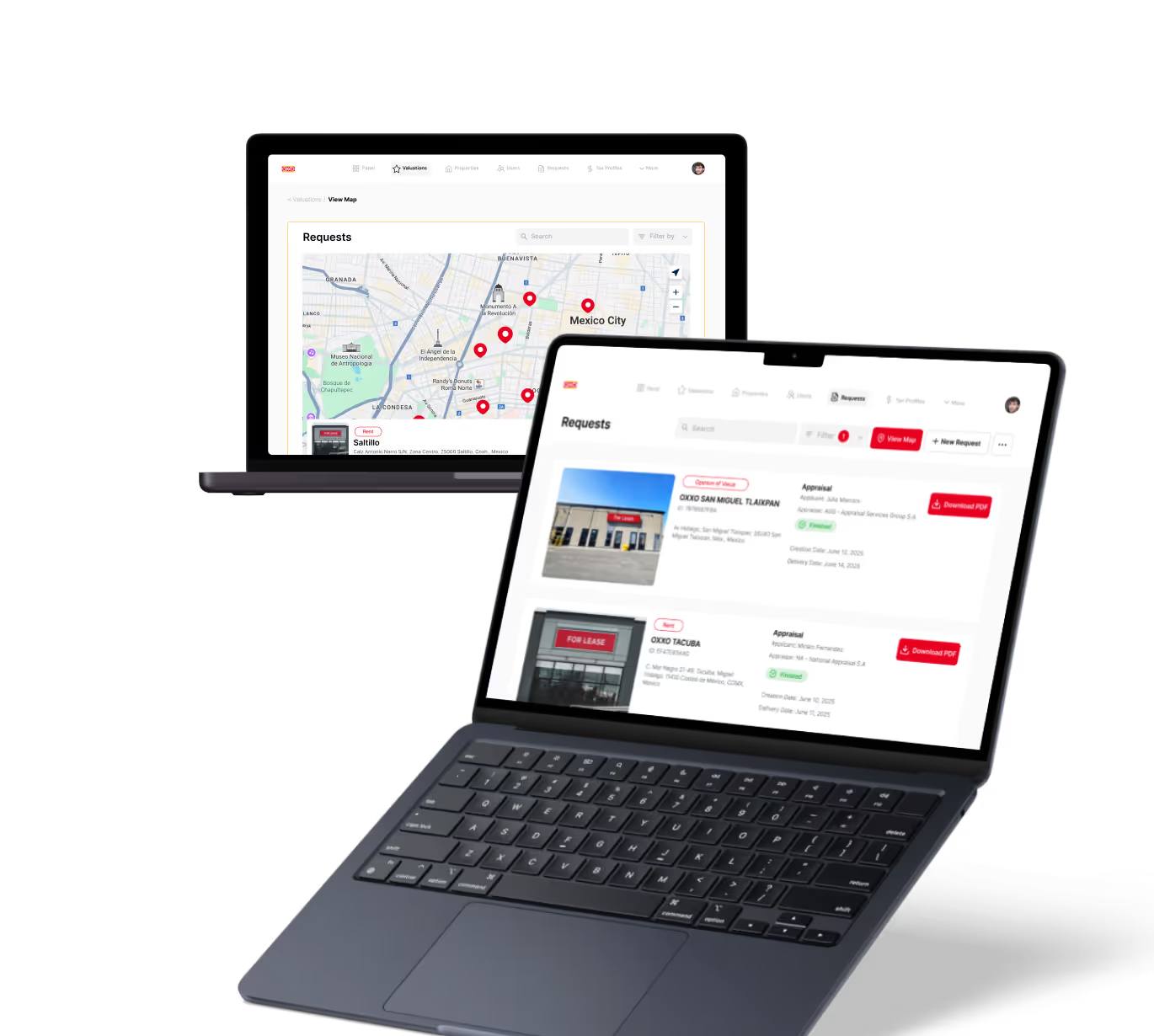
We were managing property valuations across multiple brands, and the complexity was overwhelming our traditional processes. Every day of delay in property evaluation meant potential lost revenue and competitive disadvantage.
15,000+
property valuations managed through centralized platform
40%
reduction in valuation processing time

J.Antonio Avalos
,
Product Manager Lead
OXXO