PowerApps alternatives: 3 tools for every use case
9 min
read
Explore 3 top PowerApps alternatives! Discover Glide, Airtable, and Bubble, among others, to find the perfect fit for your business needs, today.
By
Jesus Vargas
Updated on
Sep 28, 2026
.
Reviewed by
Why Trust Our Content
Real-World Experience with No-Code Tools: With over 320 apps built, we know firsthand what works—and what doesn't—when using no-code platforms like Glide, Bubble, FlutterFlow and Webflow. Expert Team with 40+ Years of Combined Experience: Our team has deep technical knowledge, with experts who use no-code tools to solve real-world problems for clients every day, ensuring our advice is actionable and reliable. Detailed Guides Based on Actual Projects: We don’t just talk about no-code; we use it daily to solve real business problems for our clients, from MVPs to complex automations.
Are you looking to build a low-code app for your business but you’re feeling overwhelmed by the multitude of options? In today’s accelerated business environment, choosing the right low-code platform can significantly impact your goals and success.
In this article, we’ll guide you through a selection of top-notch platforms known for their robust features and ease of use. By highlighting three key alternatives to PowerApps, we aim to help you find the perfect solution tailored to your specific needs. Curious about which platform aligns with your goals? Join us as we compare some of the most popular low-code tools of 2024.
TL;DR
PowerApps is not the only option out there for you! We'll explore top alternatives that align with your business needs, like Glide, Airtable, and Bubble, among others, to help you find the best fit for your project. Ready to make your decision? Dive into our top picks and take the next step today!
Why look for PowerApps alternatives?
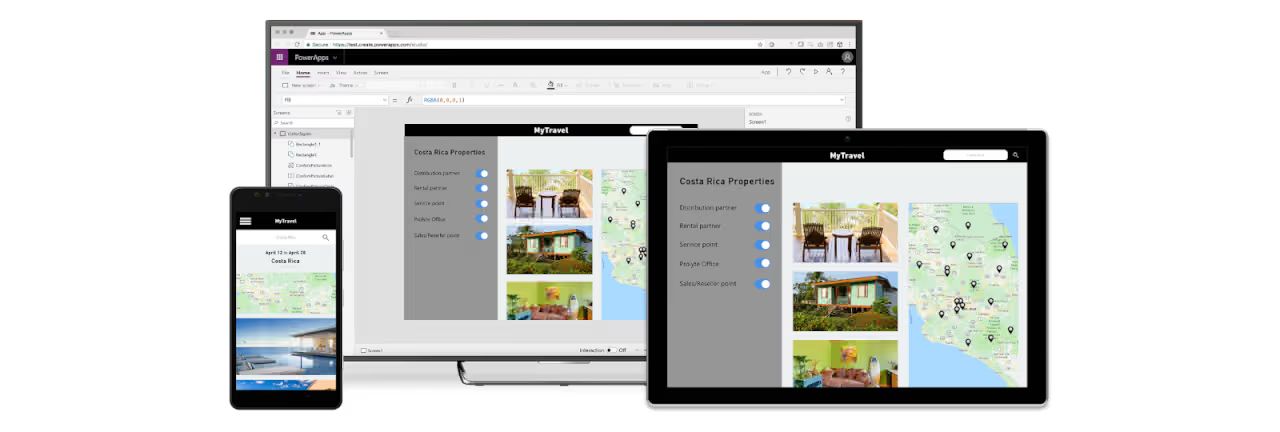
PowerApps is a low-code development platform that empowers users to create custom applications quickly and effortlessly. However, it is worth exploring some main points regarding customization, costs, and operative system limitations, before diving into the exciting world of low-code options.
With no further ado, let's get into it:
Economic considerations
PowerApps, as a Microsoft product, comes with licensing costs that can add up, particularly for larger businesses. Accessing advanced features within the platform requires Pro licenses, which can further increase your expenses. This is something to take into account when considering your long-term objectives.
Limited customization
PowerApps is a good option for addressing standard business requirements, but it may not be the best fit if you are looking to approach and solve more complex and unique scenarios.
Restricted to Microsoft
PowerApps is highly embedded into Microsoft, which makes it a perfect fit if your business is mainly based on Microsoft, and uses its tools and software. However, if this is not the case, and you rely on a diverse set of operations and tools, then PowerApps might feel somewhat restrictive for you. If that is the case, you may want to keep reading to explore different alternatives that don't pose limitations for your organization, if you seek a broader approach to application development.
While PowerApps offers flexibility and ease of use, it may encounter limitations when handling complex, highly customized solutions. If your project requires highly specialized features or extensive personalization, you might find that PowerApps falls short. In such cases, exploring alternative platforms could provide the tailored solutions you need.
Key features to consider in an alternative
If you are evaluating alternatives to PowerApps, there are some main considerations you should assess before choosing the right platform for you:
Aligned business strategy
When exploring potential options, the main challenge is ensuring that the platform you select can effectively align with your specific business processes and goals. This involves a deep understanding of your organization’s workflows, challenges and objectives. Assessing how well each platform addresses these aspects, will lead you to determine the most appropriate solution that meets your businesses needs.
Adaptability and integration
Choosing a platform that offers flexibility is key since businesses rapidly expand and evolve and their needs will shift. Furthermore, seamless integration with existing systems, including databases and third-party applications, is essential to maintaining efficient workflows and consistent data. By choosing a platform that is scalable and easily integrates with other tools, businesses can adapt their application development for the future and optimize their data ecosystem for long-term success.
Intuitive interface
Businesses should focus on platforms with user-friendly interfaces that make the development process easier and reduce the learning curve for users. This encourages broader adoption and boosts productivity. A smooth user experience can greatly improve efficiency, allowing teams to build and launch applications more effectively.
Top alternatives to Powerapps
After conducting exhaustive research, and thorough engagement with the low-code platform market, these are some of the best PowerApps alternatives we encourage you to explore:
Glide
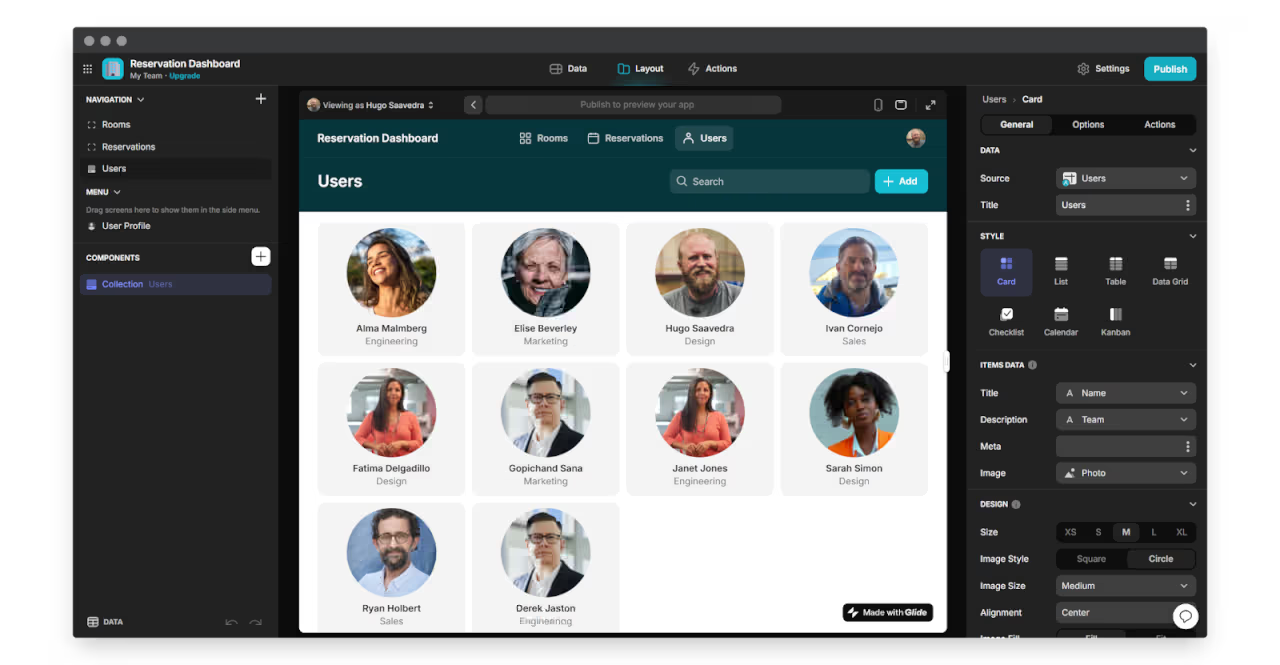
Are you aiming for web-based experiences and data-driven projects? ThenGlide could be the perfect fit for you. It's a great choice for building internal tools, dashboards, and PWAs.
Pros
You can use it if you need to connect to various data sources.
Budget-conscious users appreciate its free tier and affordable paid plans.
PowerApps might present a challenging learning curve, but with Glide's user-friendly interface, you can get started right away with ease.
Cons
Limited customization options compared to other platforms. This means that if you have no coding experience, you may find it challenging to implement advanced functionalities.
Glide apps are PWAs, so the capabilities and performance of native apps won’t be present.
Users cannot export the source code, which limits control for development.
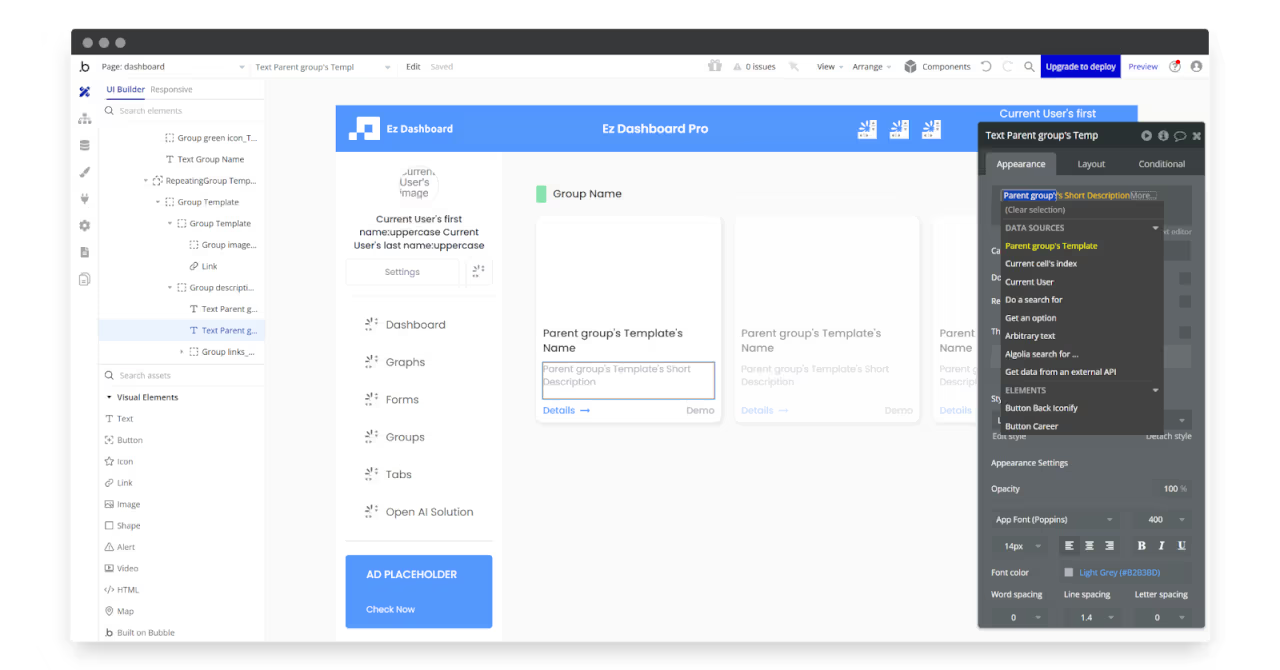
When comparing Bubble and PowerApps, the first one is the better choice for users who want to have full control over their app's design and appearance, but it also provides a high degree of flexibility and customization.
Pros
No coding knowledge is required at all, which makes it accessible to users with varying levels of technical expertise.
Bubble offers a variety of pre-built templates and plugins, allowing users to quickly prototype and refine their app ideas, which helps reduce development time and costs.
It boasts an active community of users and developers who offer tutorials, plugins, and resources, providing valuable support and guidance for newcomers.
Cons
Bubble presents a learning curve, which means that you will need to spend some time learning how to use it, especially if you are a beginner.
The platform doesn't support code exporting or transitioning to another platform.
Bubble has a limitation on server location. You won't be allowed to select the location where the data is hosted unless you buy their most expensive plan
Adalo: Offers visual development with some code flexibility. Great for beginners and quick prototypes.
FlutterFlow: Visual app builder that allows you to create efficient cross-platform apps for mobile and web without extensive coding knowledge.
For specific needs:
AppSheet: Builds custom mobile and web apps using existing data from spreadsheets, databases, and cloud services.
Voiceflow: Revolutioning AI voice app development, which allows anyone to create voice apps.
For complex apps:
m-Power: Low-code platform that allows you to add custom business logic, create custom templates, and even edit applications at the code level if needed. Requires low-code, or even full-code knowledge.
Salesforce Lightning: Provides the platform to build mobile apps with advanced security. It enhances a complex workflow.
Comparative analysis
FEATURES AND FUNCTIONALITIES
BUDGET
SCALABILITY & FUTURE DEVELOPMENT
Simple data-driven apps
Glide AppSheet Airtable
Complex interactive app
m-Power Salesforce Lightning Bubble FlutterFlow
Limited budget
Glide Bubble
Larger budget
Airtable Adalo
Small, static app
VoiceFlow
Large, data-driven app with growth potential
FlutterFlow Bubble Airtable
FEATURES AND FUNCTIONALITIES
BUDGET
SCALABILITY & FUTURE DEVELOPMENT
Simple data-driven apps
Glide AppSheet Airtable
Complex interactive app
m-Power Salesforce Lightning Bubble FlutterFlow
Limited budget
Glide Bubble
Larger budget
Airtable Adalo
Small, static app
VoiceFlow
Large, data-driven app with growth potential
FlutterFlow Bubble Airtable
Features & functionalities:
Simple data-driven app: Platforms like Glide, AppSheet, and Airtable might excel at turning spreadsheets into mobile apps efficiently.
Complex interactive app: Consider Bubble, FlutterFlow, m-Power, or Salesforce Lightning for more robust features and functionalities.
Budget:
Limited budget: Explore free or open-source options like Glide and m-Power, or consider building basic apps with Bubble's free plan.
Larger budget: Enterprise solutions like Airtable and Adalo offer more features and support but with higher costs.
Scalability & future development:
Small, static app: VoiceFlow is suitable for building content-focused apps.
Large, data-driven app with growth potential: Consider FlutterFlow, Airtable, and Bubble (paid plans) for their robust capabilities and scalability options.
Conclusion
Choosing the right low-code development platform is essential when you are seeking to boost productivity and tailor your workflows. We are a top-notch low-code agency and we did our homework: After exploring different alternatives to Power Apps and recognizing their distinct advantages, we acknowledge that Glide stands out from the crowd and can be the platform that aligns with your strategic long-term goals for these reasons:
Simplified integration process: Glide offers several ready-to-use options, including mail, Zapier, and push notifications, allowing users to easily add features to their apps with just a few clicks.
Data integration: It integrates smoothly with Google Sheets, Excel, and Airtable, allowing users to manage app data easily without needing to modify the underlying code.
AI tools: Glide includes valuable components and integrations, including one of the top AI tools available today.
As we discussed at the beginning of the post, navigating different platforms can be overwhelming, we get that. Don’t hesitate to share your insights and your app vision with us. We'll help you choose the right platform and even build your app for you. Book a free discovery call with us today!
FAQs
What is better than PowerApps?
Glide: For web-based experiences and data-driven projects, especially if you're on a budget and need a user-friendly interface.
Bubble: For users who want full control over their app's design and appearance, with a high degree of flexibility and customization.
Why not to use PowerApps?
Economic considerations: PowerApps can be costly, especially for larger businesses or when accessing advanced features that require Pro licenses.
Limited customization: While good for standard business requirements, PowerApps may not be suitable for complex or unique scenarios that require extensive customization.
Restricted to Microsoft: If your business doesn't primarily use Microsoft tools and software, PowerApps might feel restrictive as it's highly embedded in the Microsoft ecosystem.
What are PowerApps not good for?
Highly complex or unique scenarios that require extensive customization beyond standard business requirements.
Businesses that don't primarily use Microsoft tools and software, as PowerApps is heavily integrated with the Microsoft ecosystem.
Projects requiring specialized features or extensive personalization that go beyond PowerApps' capabilities.
Organizations with limited budgets, as licensing costs can add up, especially for larger businesses or when accessing advanced features.
Users looking for a platform with a gentler learning curve, as some alternatives like Glide offer a more user-friendly interface for beginners.
Strategic Technology Partner
We Help You Win Long-Term
We don’t just deliver software—we help you build a business that lasts.
Jesus is a visionary entrepreneur and tech expert. After nearly a decade working in web development, he founded LOW/CODE Agency to help businesses optimize their operations through custom software solutions.
Custom Automation Solutions
Save Hours Every Week
We automate your daily operations, save you 100+ hours a month, and position your business to scale effortlessly.
"Working with LowCode Agency was the best decision I made in 2025"
Franklin Frith
CEO at HRM
Summarize with AI
FAQs
What is better than PowerApps?
Glide: For web-based experiences and data-driven projects, especially if you're on a budget and need a user-friendly interface. Bubble: For users who want full control over their app's design and appearance, with a high degree of flexibility and customization.
Why not to use PowerApps?
Economic considerations: PowerApps can be costly, especially for larger businesses or when accessing advanced features that require Pro licenses. Limited customization: While good for standard business requirements, PowerApps may not be suitable for complex or unique scenarios that require extensive customization. Restricted to Microsoft: If your business doesn't primarily use Microsoft tools and software, PowerApps might feel restrictive as it's highly embedded in the Microsoft ecosystem.
What are PowerApps not good for?
Highly complex or unique scenarios that require extensive customization beyond standard business requirements. Businesses that don't primarily use Microsoft tools and software, as PowerApps is heavily integrated with the Microsoft ecosystem.Projects requiring specialized features or extensive personalization that go beyond PowerApps' capabilities. Organizations with limited budgets, as licensing costs can add up, especially for larger businesses or when accessing advanced features.Users looking for a platform with a gentler learning curve, as some alternatives like Glide offer a more user-friendly interface for beginners.
Related Articles
Business Automation
Comparison
Zapier vs Workato | 9 Factors to Decide the Best One
Compare Zapier vs Workato across ease of use, automation power, integrations, and security to find the best no-code platform for your automation needs
Bubble
Comparison
Bubble vs Bravo Studio | 11 Factors to Decide the Best One
Compare Bubble vs Bravo Studio for building web or mobile apps. Learn which no-code tool suits your app goals, skills, and publishing needs
Comparison
FlutterFlow
FlutterFlow vs Flutter | Which One Should You Use in 2026?
Compare FlutterFlow vs Flutter to see which fits your app. Learn differences in speed, scalability, control, costs, and when each makes sense in 2026.
Airtable
Comparison
Airtable vs Baserow | 16 Factors to Decide the Best One
Compare Airtable vs Baserow on hosting, flexibility, automations, and privacy. Find the right no-code database tool for your team or self-hosted setup
Comparison
Airtable
Airtable vs AppSheet | 10 Factors to Decide the Best One
Airtable excels at flexible databases and collaboration; AppSheet wins on mobile-first apps and Google Workspace integration. Here's exactly when to pick each one.
Airtable
Comparison
Airtable vs Trello | 9 Factors to Decide the Best One
Compare Airtable vs Trello for team projects, task management, and workflows. See which no-code tool fits your needs best in 2025
Thank you! Your submission has been received!
Oops! Something went wrong while submitting the form.






.avif)